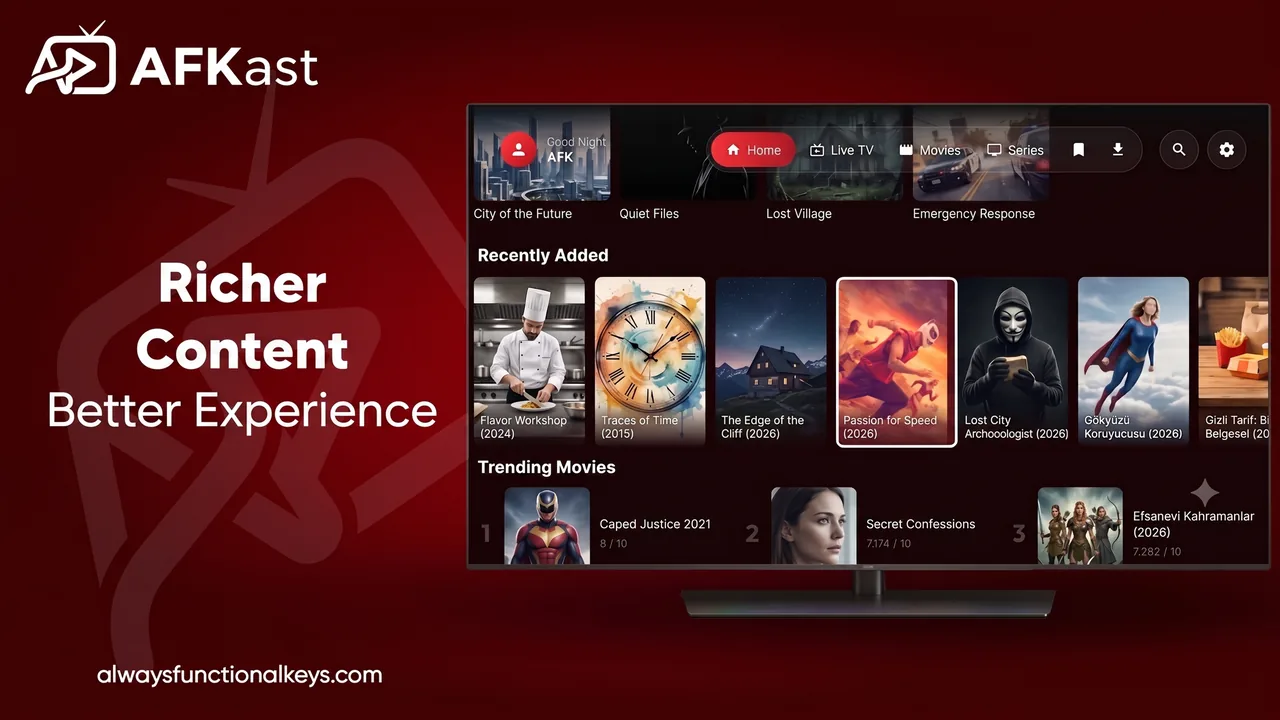
Buffering does not automatically mean you need faster internet. The cause can be Wi-Fi, a single stream, network traffic, the device or the IPTV player.
10 checks to try
1. Test your connection: Open another video app on the same TV.
2. Try Ethernet: A cable can be more stable when the TV is far from the router.
3. Compare 5 GHz and 2.4 GHz: Test which network is more reliable at the TV.
4. Reduce network traffic: Pause large downloads and updates.
5. Does only one channel freeze? If other channels work, the issue may be specific to that source.
6. Test another player: The same playlist in another app can reveal whether the player is the cause.
7. Restart the device: Reboot your TV or streaming box.
8. Check storage: Very low free storage can affect overall device performance.
9. Watch EPG/metadata loading: If the issue happens while opening lists, it may not be a video-stream problem.
10. Use Auto Failover when backups exist: AFKast can switch to a supported backup source when the current stream fails.
Auto Failover does not increase internet speed or repair a broken IPTV provider. It simply handles available backup sources.
Final thoughts
Isolate the issue first: network, Wi-Fi, one stream, device or player. With your own legal IPTV playlist, testing AFKast on different devices can help identify player-side problems.