AFKast AFKast
⭐ 4.8 / 5 User Rating ⚡ mpv Player Engine 🔄 Auto Failover

Modern IPTV Player:
Cinema-grade M3U & Xtream.

Add your own M3U or Xtream IPTV playlist; enjoy a cinema-grade experience on Android TV, Apple TV, iOS, Windows and Mac with zero buffering, auto failover, EPG guide and 4K clarity.

🛡️ AFKast is a media player. It does not host, provide or sell any content or channels.

Hardware-accelerated 4K player for Apple Silicon (M1-M4) & Intel Macs Phone & tablet IPTV player
⚡ Supported Protocols: M3U & M3U8 Xtream Codes API XMLTV (EPG) HLS & DASH TS / MP4 / MKV 4K UHD & 120Hz Auto Failover
5+Supported Platforms
10Languages
mpvPlayback Engine
0 secFailover Downtime
6Device Sync (Pro)
Fast & Effortless

Cinema-Quality IPTV in 3 Steps

Get up and running with a smooth IPTV experience in minutes without complex setups or remote struggles.

01

1. Download AFKast

Install the matching version for your Android TV, Apple TV, iOS, Windows or Mac device in seconds for free.

02

2. Add Your Playlist

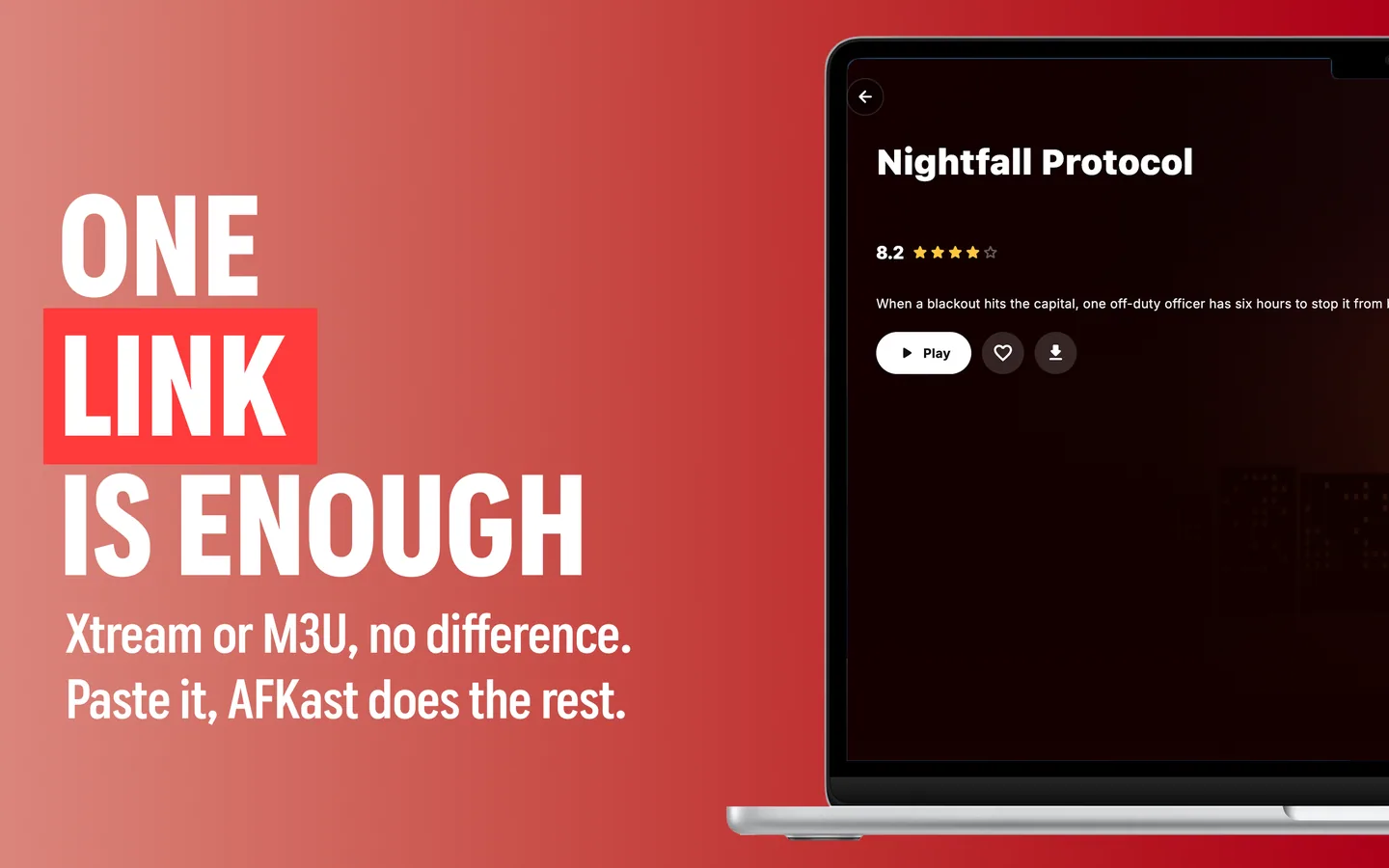
Enter your M3U link or Xtream logins. Instead of typing with a remote, send it instantly from our website.

03

3. Enjoy the Show

Your live channels, movies and series are organized instantly with posters, EPG guides and subtitles.

Why AFKast?

Far Beyond Generic IPTV Players

Forget sluggish, clunky and crashing players. AFKast brings modern streaming convenience to your own IPTV playlist.

Generic / Outdated IPTV Players

  • Black screens or crashes whenever a stream source drops.
  • Forces you to type 100-character M3U links with a TV remote.
  • Messy plain-text lists lacking posters, plots and ratings.
  • No cross-device watch history or resume position sync.
  • Sluggish UI and weak codec engines that lag on TV boxes.

The AFKast IPTV Player Experience

  • Auto Failover: Switches instantly to backup streams without interrupting.
  • Send to Device: Push playlists to your TV from our website via a short device code.
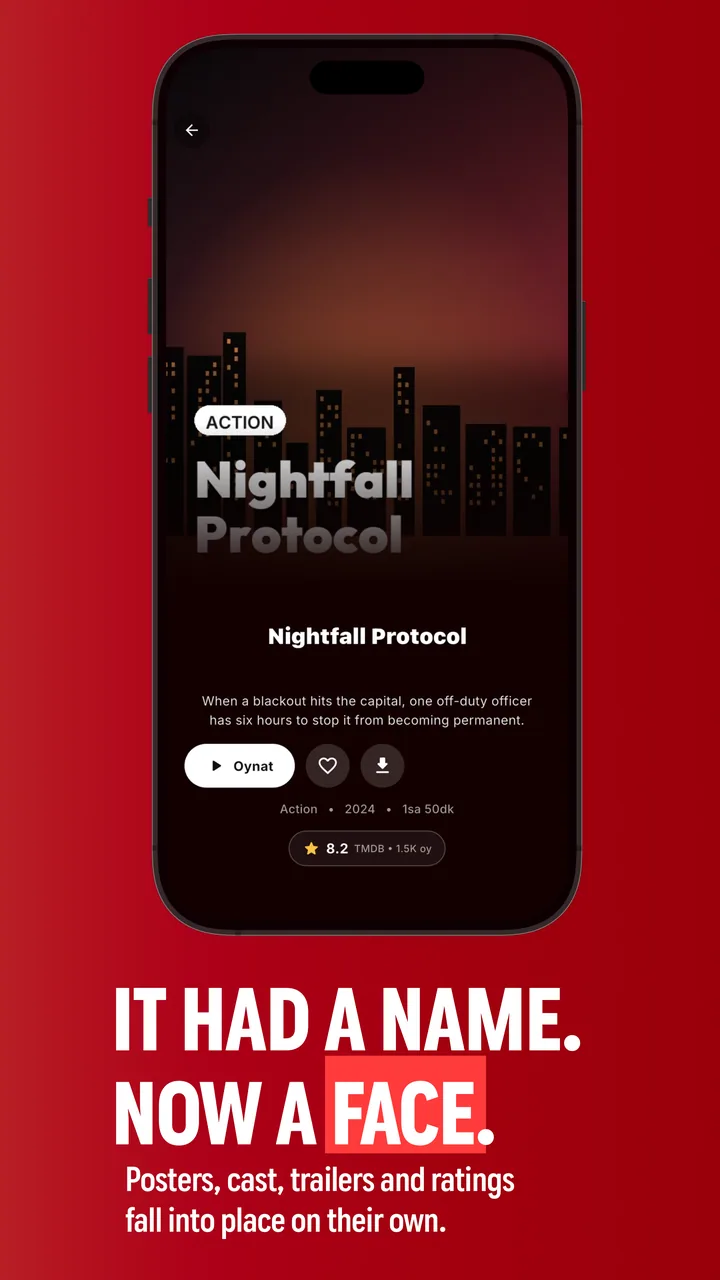
  • Smart Library: Automatic posters, IMDb ratings, trailers and cast filmographies.
  • Instant Cloud Sync: Start on your mobile, pick up on TV from the exact second.
  • mpv Engine & 120Hz: Hardware-accelerated butter-smooth playback even on TV sticks.
Features

A Cinema-Grade IPTV Experience

A powerful mpv playback engine, smart library and cross-device sync — the most elegant way to stream IPTV.

Powered by mpv Engine

Hardware-accelerated playback for H.265, AV1, 4K HDR10, HLG and Dolby Vision with zero frame drop.

Automatic Stream Failover

If a stream drops or buffers, AFKast switches to the backup link in milliseconds without a black screen.

Instant Cloud Sync

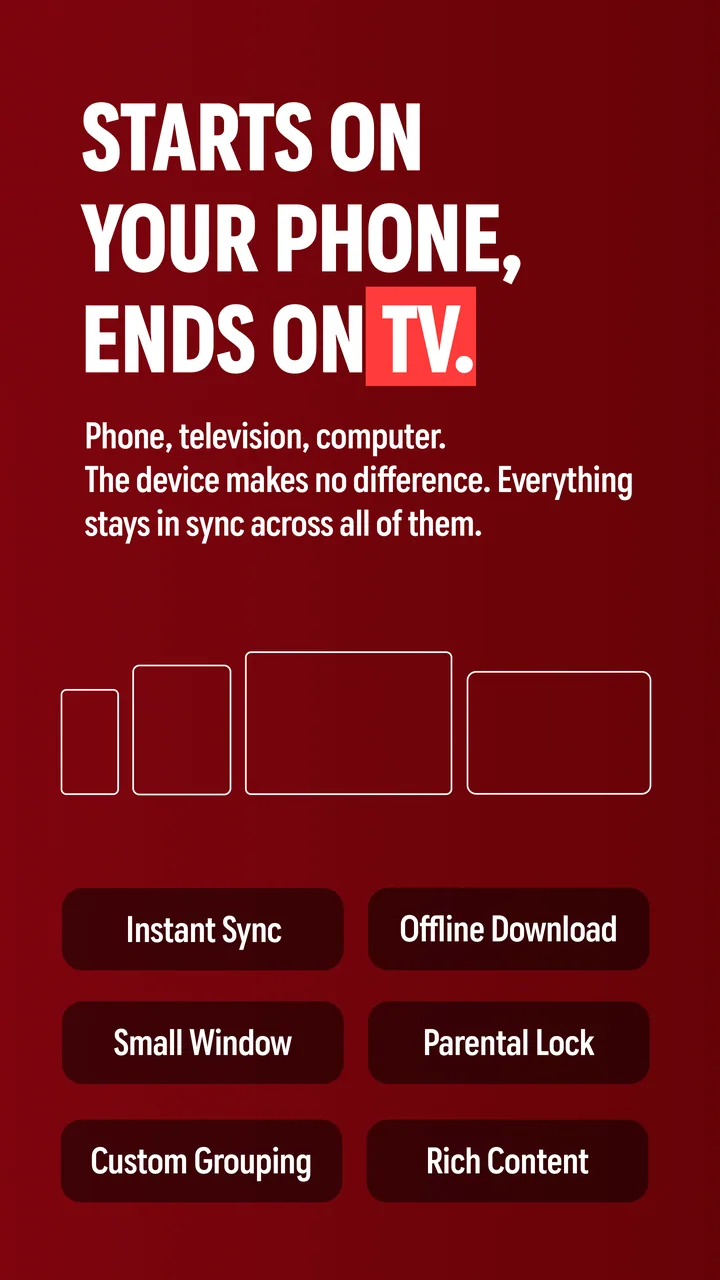
Pause a movie on your phone, resume on your TV from the exact second. Playlists and favorites stay in sync.

Advanced EPG & Reminders

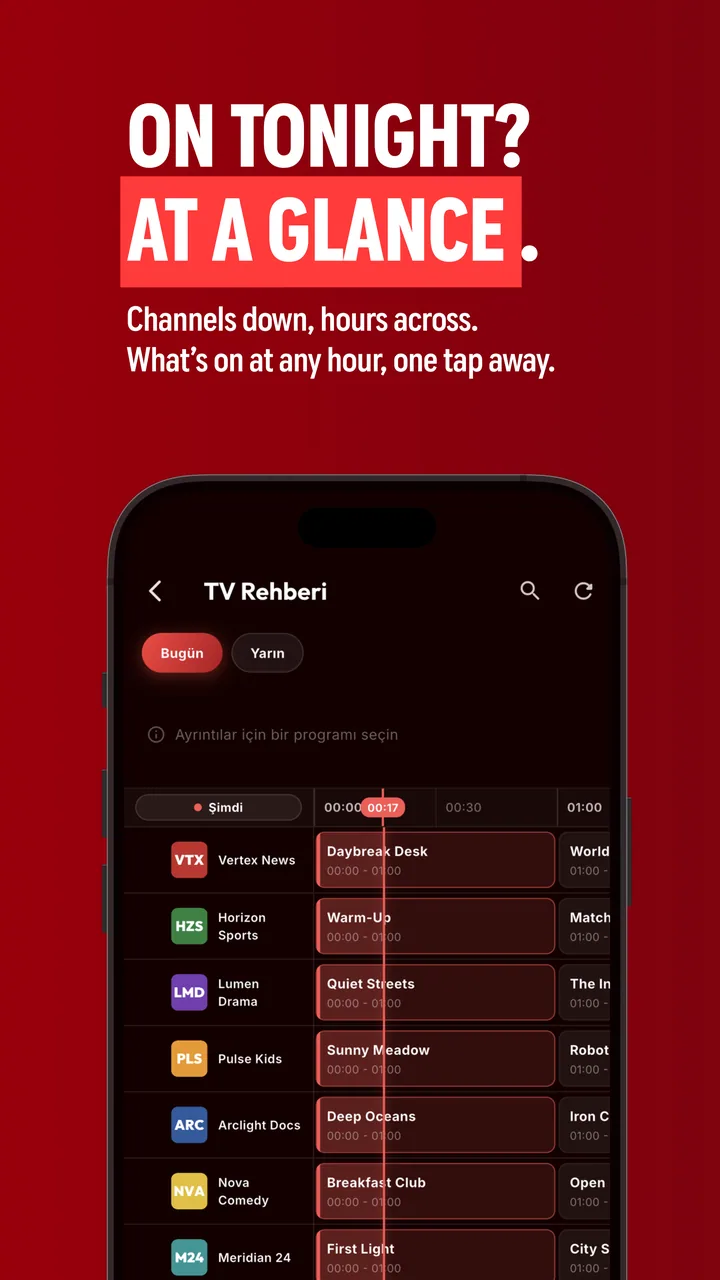
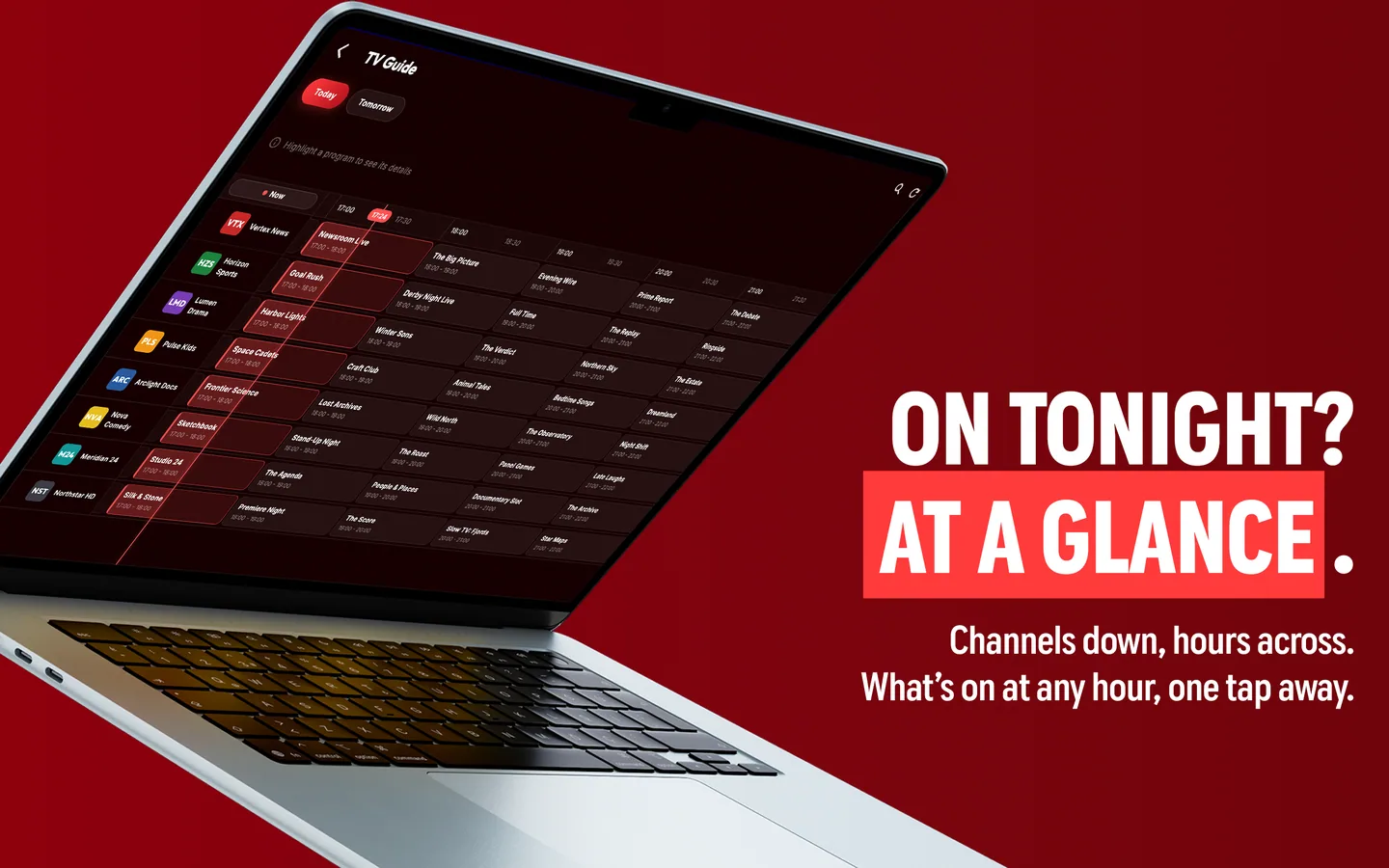
7-day XMLTV program schedule guide. Browse what is on now and set reminders for upcoming matches or shows.

Profiles & Parental Control

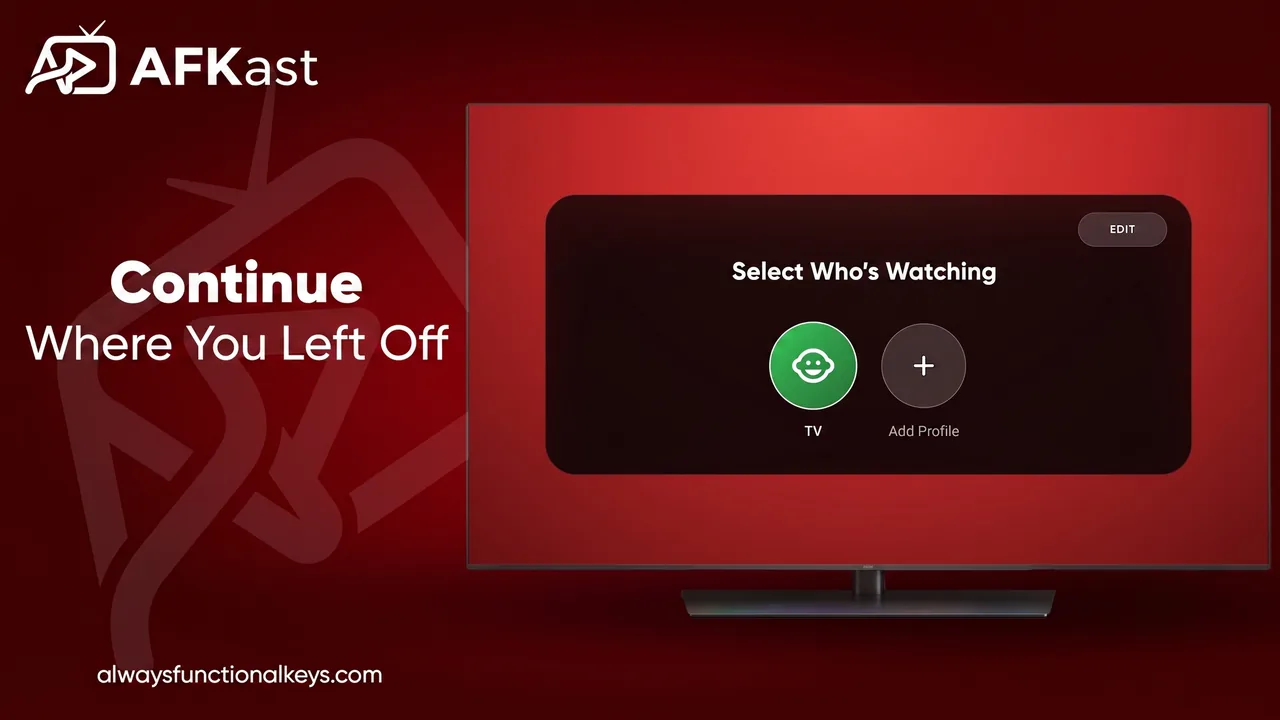
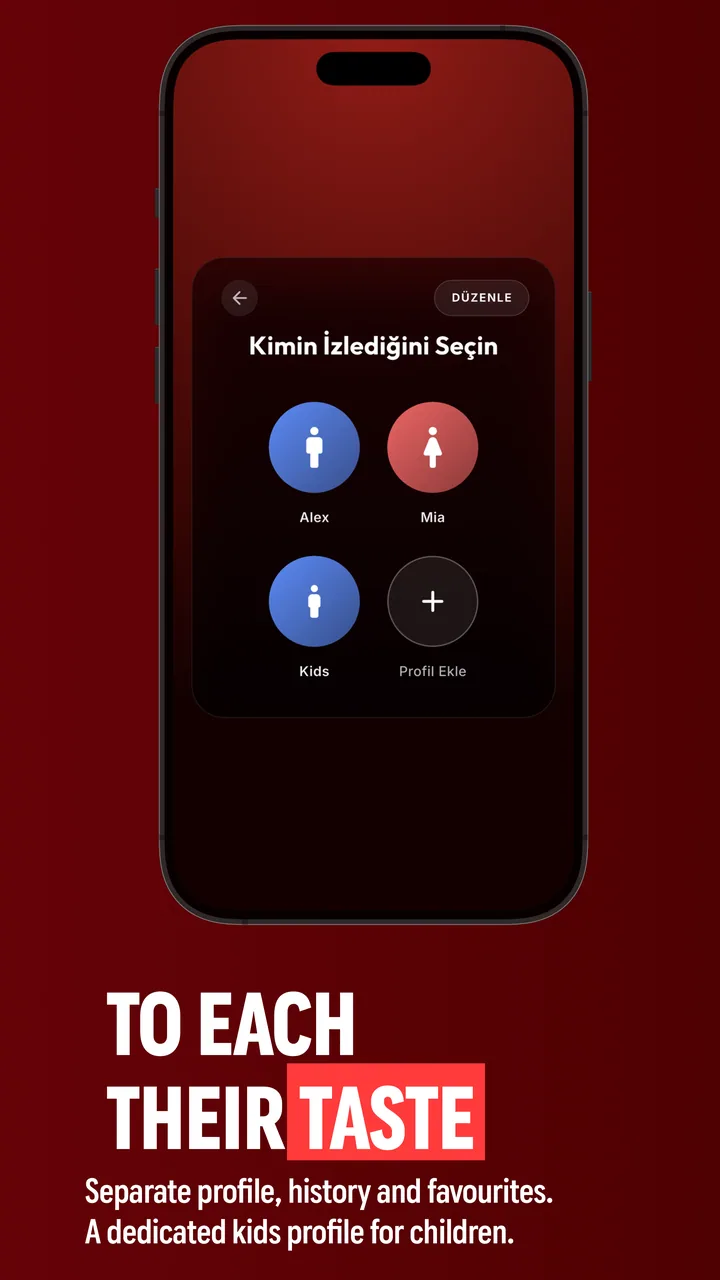
Separate favorites and watch histories for every family member. Dedicated kids profile with PIN protection.

Offline Downloads (Pro)

Download series and movies to your mobile device. Watch smoothly on flights, travels or without internet.

See All Features →

Featured Convenience

No More Typing Long URLs on TV

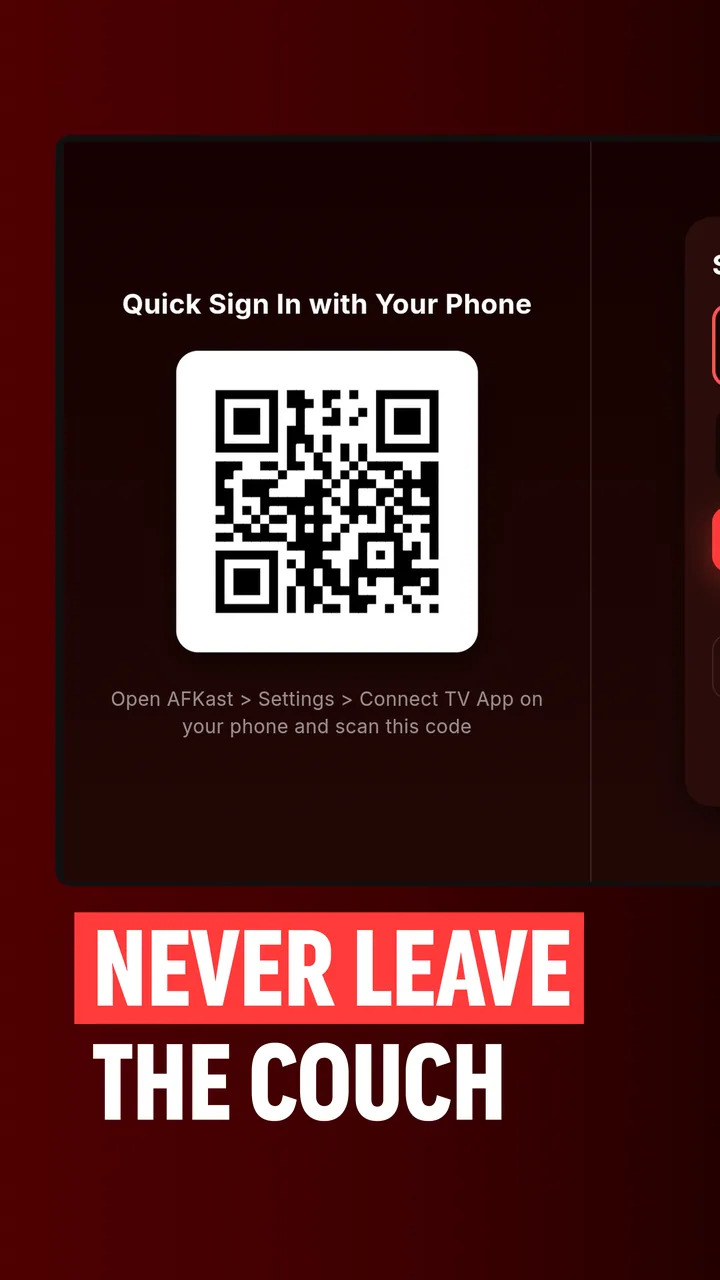
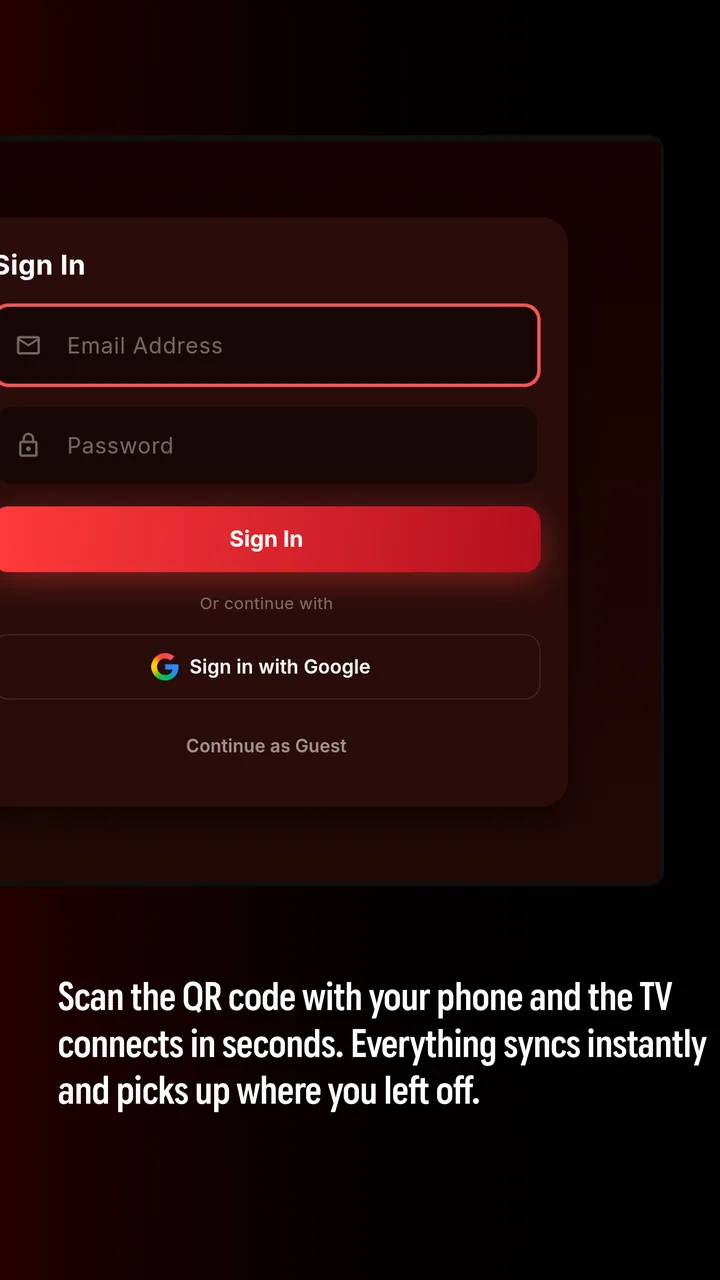
Enter the 8-character device code from your TV screen on our website, paste your playlist link or Xtream logins, and start watching immediately!

Send Playlist to Device Now
Code in Your App
A7KP-3XQ9
Instant Cloud Transfer in Seconds
App Showcase

A Premium Cinema Feel on Every Display

AFKast Android IPTV Player 1
AFKast Android IPTV Player 2
AFKast Android IPTV Player 3
AFKast Android IPTV Player 4
AFKast Android IPTV Player 5
AFKast Android IPTV Player 6
AFKast Android IPTV Player 7
AFKast Android IPTV Player 8
A real TV feel with EPG guide and zapping
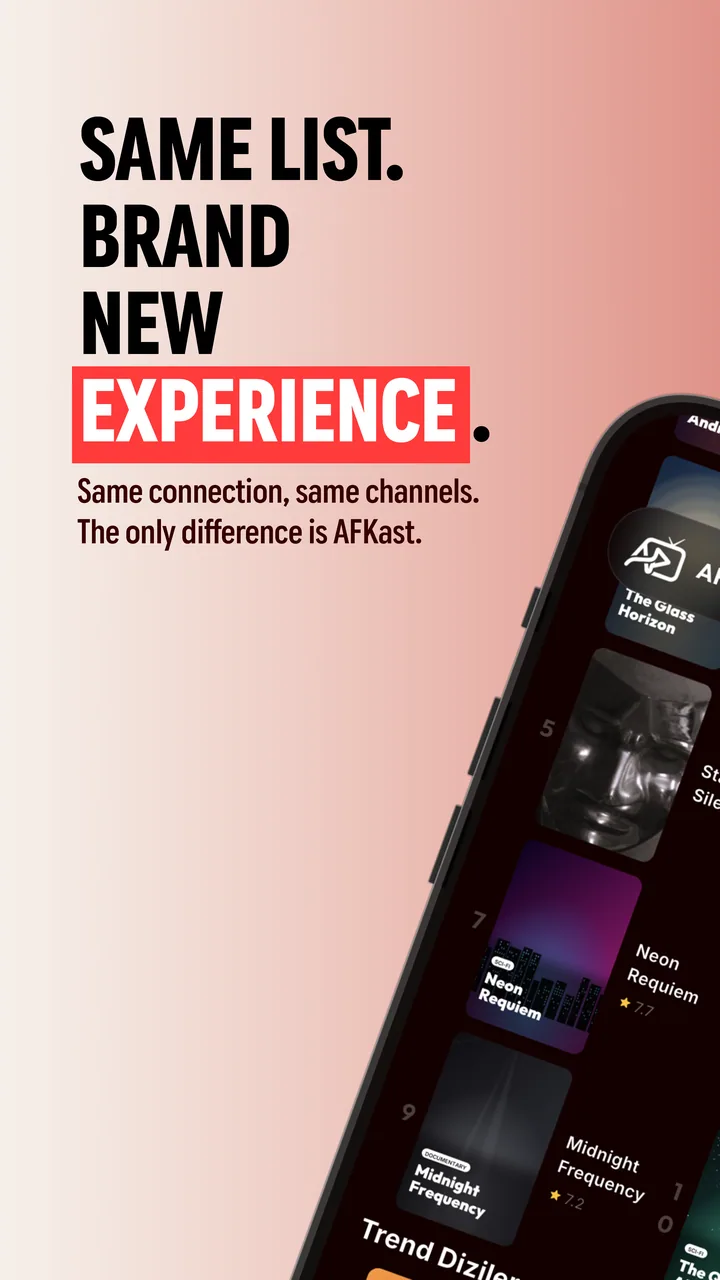
iPhone & iPad IPTV player
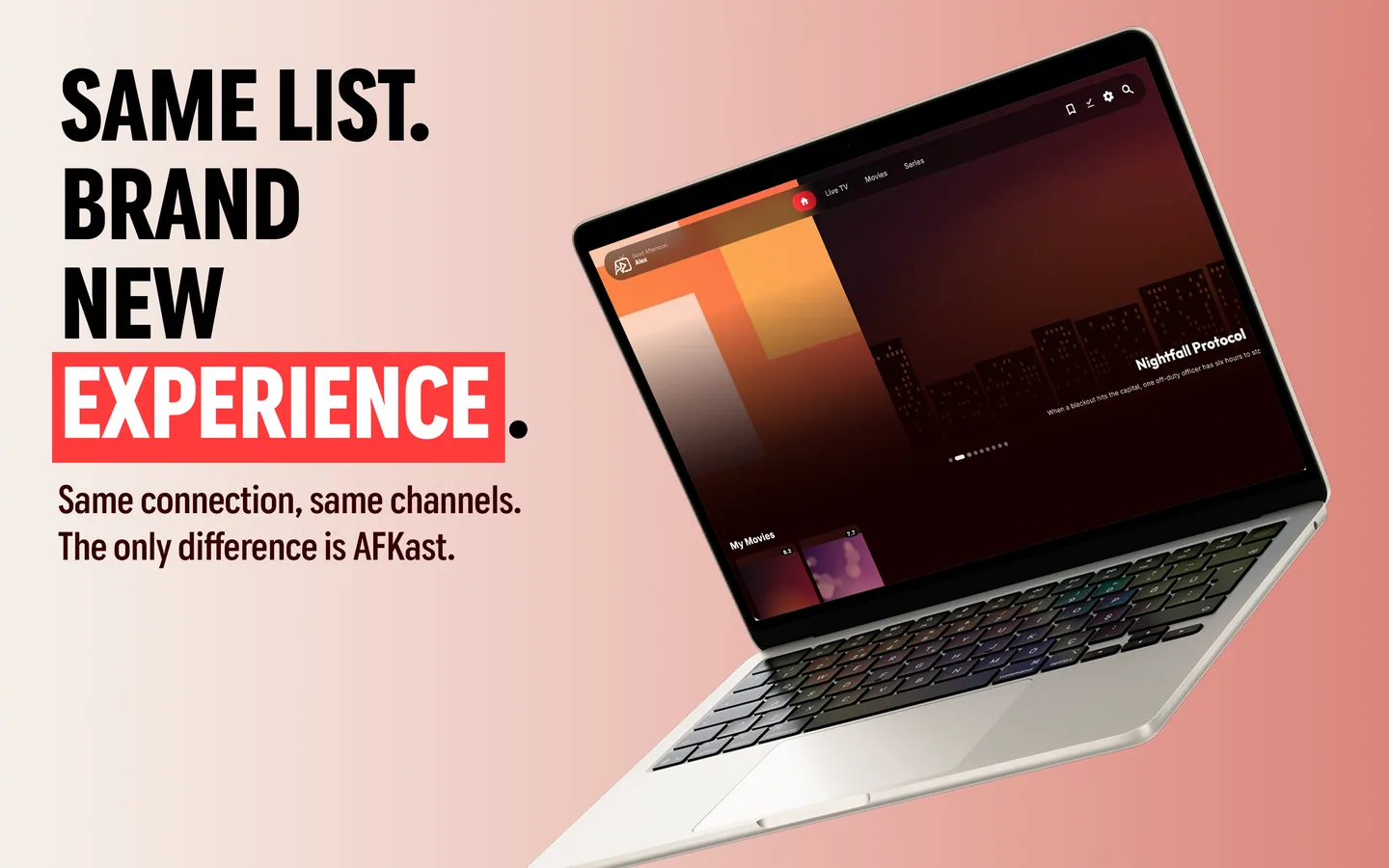
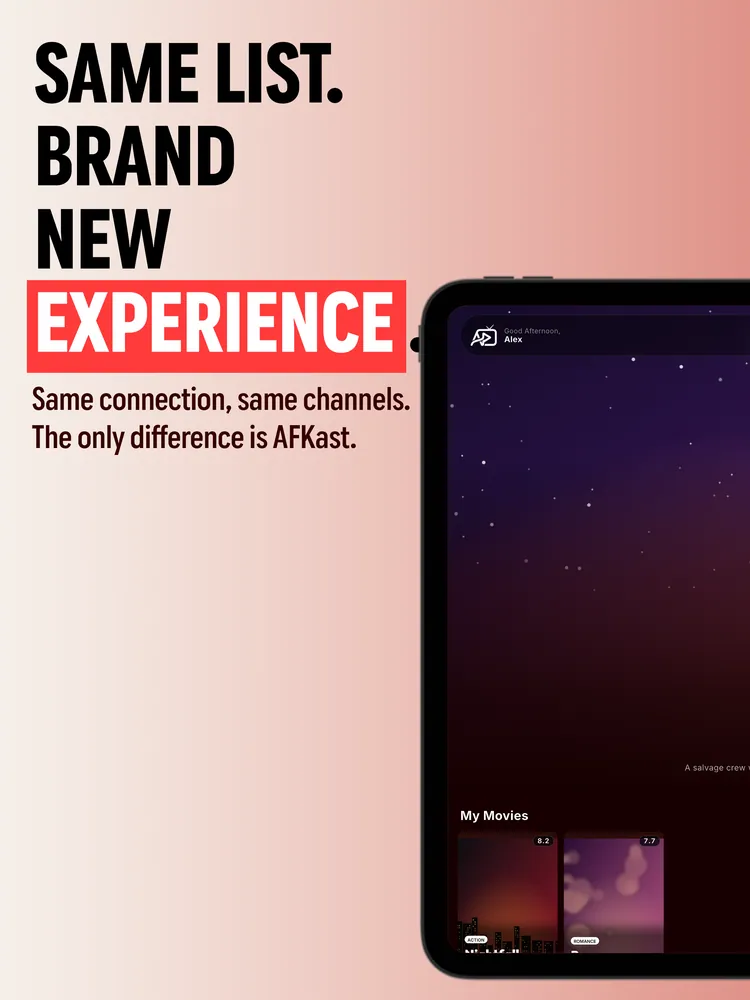
Messy playlists become an organized cinema

The Best IPTV Player Experience: Why AFKast?

When streaming live channels, VOD movies and series over the internet, keywords like IPTV player, M3U player, and Xtream Codes player define user demand. Clunky legacy apps often suffer from buffering, stream dropping, remote incompatibility and cluttered text-only lists. AFKast is built from the ground up using the powerful hardware-accelerated mpv playback engine to eliminate these pain points forever.

📺 M3U & Xtream Codes Integration

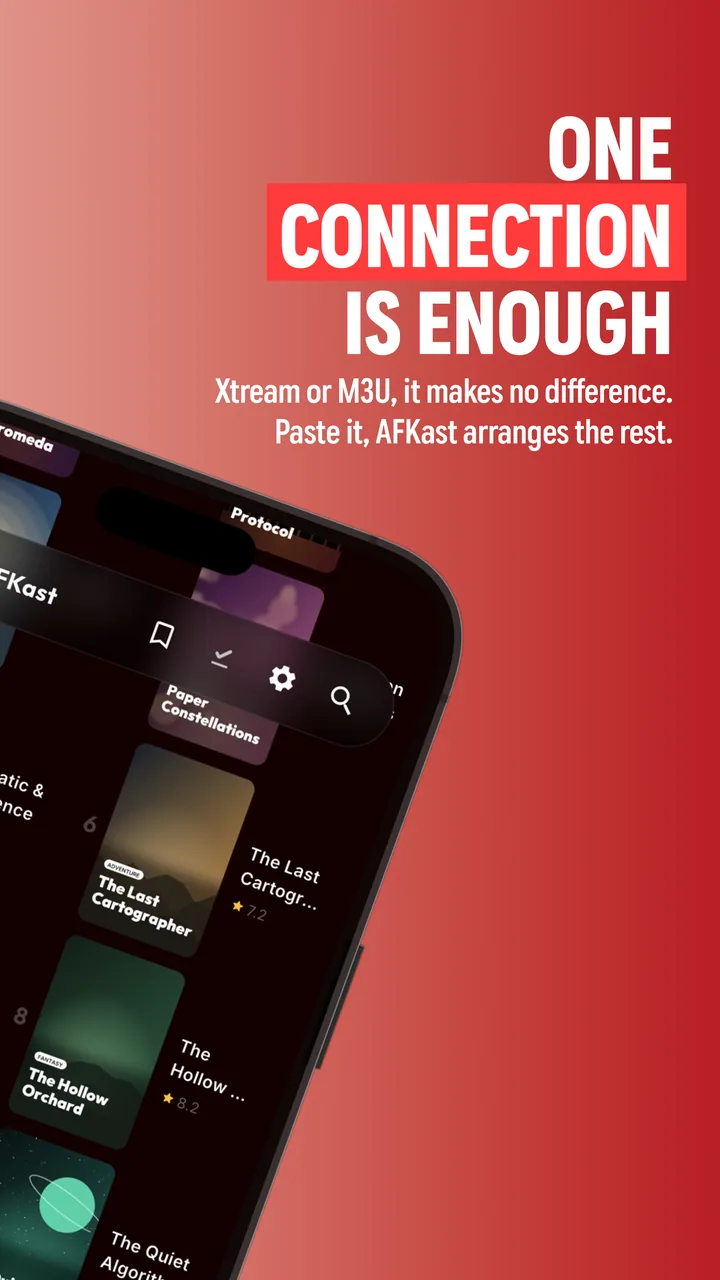
Easily load your M3U / M3U8 links or Xtream Codes API credentials in seconds. Content is neatly categorized with EPG schedules, movie posters, IMDb ratings and cast info.

⚡ Android TV & Smart TV Optimized

Engineered for Android TV and Google TV remotes. Experience smooth channel zapping, number-key switching, and home screen "Continue Watching" integration.

🔄 Auto Backup Stream Failover

If a stream drops or encounters server lag, AFKast immediately routes to your playlist's backup source without leaving you stranded on a black screen.

☁️ Cross-Platform Cloud Sync

Whether streaming on iOS IPTV player, Windows IPTV, macOS, or Android, your favorites, playlists and timestamps sync instantly everywhere.

FAQ

Frequently Asked Questions

Add your own M3U or Xtream IPTV playlist; enjoy a cinema-grade experience on Android TV, Apple TV, iOS, Windows and Mac with zero buffering, auto failover, EPG guide and 4K clarity.

What is AFKast and what does it do?

AFKast is a next-generation IPTV player that lets you add your own M3U, M3U8 or Xtream Codes playlist to watch live TV, movies and series in cinema quality. Built on the high-performance mpv engine, it offers buffer-free streaming, EPG guide, automatic poster enrichment, and seamless cross-device cloud sync.

Does AFKast include channels, streams or content?

No. AFKast is strictly a player application and never hosts, distributes or sells any TV channels, movies or series. To use AFKast, you must provide your own playlist from your legal IPTV subscription.

Which IPTV formats and protocols are supported?

AFKast fully supports M3U and M3U8 URL links, local files, and Xtream Codes API logins. It plays HLS, DASH, TS, MP4 and MKV formats, supports XMLTV EPG guides, multi-audio tracks, and subtitles (.srt, .ass, .vtt).

How do I add a playlist without typing on my TV remote?

With our "Send Playlist to Device" web feature, just enter the 8-character device code displayed on your TV screen into our web page and paste your M3U or Xtream link. Your playlist syncs to your TV in seconds.

Which devices and operating systems does AFKast support?

AFKast is available for Android TV / Google TV, Android phones and tablets, iOS (iPhone & iPad), Windows 11/10 and macOS. Dedicated apps for Apple TV, Samsung (Tizen) and LG (webOS) are coming very soon.

What happens if a stream drops? (Auto Failover)

AFKast features smart automatic stream failover. If multiple backup sources are defined for a channel and one drops or freezes, AFKast immediately switches to the working stream without a black screen.

Is AFKast free? What does AFKast Pro include?

Yes! The free version provides all essential playback features with 1 playlist, EPG guide, and cloud sync across 2 devices. AFKast Pro offers 100% ad-free viewing, offline downloads, unlimited playlists, sync on up to 6 devices, and parental PIN locks.

Can I start a movie on my phone and resume on my TV?

Absolutely. With your AFKast cloud account, watch history, playback timestamps and favorite channels sync seamlessly across all your devices. Start an episode on your mobile commute and finish it on your living room TV from the exact second.

Guides & Tips

Latest Guides from the IPTV World

M3U setup, EPG guide, 4K streaming settings, and IPTV player tips.

Start Streaming Your IPTV Playlist in the Quality It Deserves.

One account for all your devices, smooth 4K playback and automatic cloud sync. Download AFKast free today.