

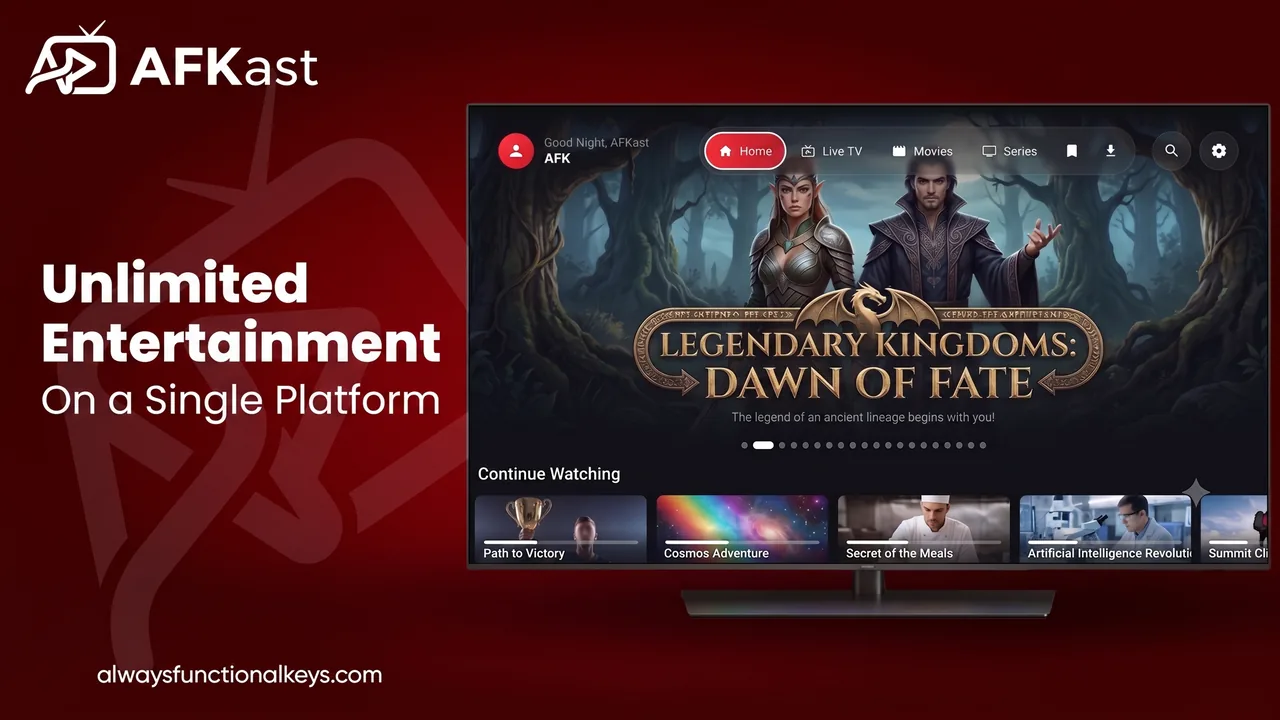
What is an IPTV player?
An IPTV player is an app that lets you watch live TV channels, movies and series delivered over the internet. There is one distinction that matters: the player is not the content. Your IPTV provider supplies the streams and gives you either an M3U / M3U8 link or Xtream Codes details (server URL, username and password). The IPTV app reads that playlist, organizes channels into groups, shows the program guide and puts the picture on your screen.
Put simply, your subscription decides what you watch, and your IPTV player decides how you watch it. If you are new to all this, our guide what is IPTV and how it works covers the basics.
Why your choice of IPTV app matters
The same M3U playlist can feel completely different in two apps. Freezing during a big game, slow channel zapping, a guide that never loads or a cluttered list of thousands of channels are usually player problems, not playlist problems. A good IPTV streaming app makes a difference in four areas:
- Decoding power: an engine that decodes HEVC and AV1 in hardware means fewer stutters and less battery drain.
- Organization: groups, search and favorites keep thousands of channels, movies and episodes manageable.
- Stream continuity: switching to a backup source when a stream drops is the key to uninterrupted viewing.
- Cross-device experience: the living-room TV, the bedroom tablet and your work laptop should share the same playlist and favorites.
How to choose the best IPTV app
There is no single answer to "what is the best IPTV app?" The right pick depends on your devices and habits. Use this checklist:
- Playlist format: does it support both M3U and Xtream Codes? We explain the difference in Xtream Codes vs M3U.
- EPG support: can it match and display an XMLTV guide reliably?
- Platforms: is the same app available on all your devices, with account sync?
- Free tier: can you genuinely try it before paying? See free vs premium IPTV player.
- Easy setup: will you have to type a long URL with a TV remote?
For a side-by-side look at popular options, read the best IPTV players of 2026 and our TiviMate, IPTV Smarters and VLC alternative guide. For context, VLC is a general-purpose media player with a limited IPTV-specific guide and library interface, while TiviMate focuses mainly on Android TV.
What makes AFKast different
AFKast was built as an M3U player that feels the same on every platform instead of tying you to one device. Highlights:
- mpv engine: one of the most respected open-source playback engines, with hardware acceleration, 4K, HDR10, HLG and Dolby Vision on compatible devices.
- Send Playlist to Device: enter the short code from your TV on the Send Playlist page and your playlist lands on the TV in seconds.
- Free M3U Checker: test whether your link works with our M3U Checker before adding it anywhere.
- Auto Failover: automatic switching when a stream drops, if your playlist includes backup sources.
- Rich library: movies and series come with posters, plot summaries, ratings and cast.
- Multiple profiles and cloud sync: everyone in the household keeps their own favorites and history.
See the full list on the AFKast features page.
Which devices does AFKast support?
One account gives you the same playlist, favorites and watch history everywhere. Current platform status:
| Device | Status | Where to get it |
|---|---|---|
| IPTV player for Android (phone & tablet) | ✅ Available | Google Play |
| IPTV player for Android TV & Google TV | ✅ Available | Google Play (TV boxes, Google TV sets, Chromecast with Google TV, Nvidia Shield) |
| IPTV player for iPhone & iPad | ✅ Available | App Store |
| IPTV player for Windows 11/10 | ✅ Available | Microsoft Store + direct .exe installer |
| IPTV player for Mac (macOS 14.6+) | ✅ Available | Mac App Store (Apple Silicon & Intel) |
| Amazon Fire TV / Fire TV Stick | ⚙️ Via APK | APK from our download page + Downloader app (compatibility may vary by model) |
| IPTV player for Smart TV: Samsung (Tizen), LG (webOS) | ⏳ Coming soon | Today: cast via Chromecast or use an Android TV box |
| Apple TV (tvOS), Philips Titan OS | ⏳ Coming soon | — |
Own a Samsung or LG TV? You have two options today: cast from AFKast on your phone via Chromecast (if your TV supports it or has a Chromecast plugged in), or plug in an Android TV / Google TV box and install AFKast there. All download options are on the download AFKast page.
Free IPTV player or Pro?
You can use AFKast for free; Pro is simply for people who want extra comfort. Here is how the plans compare:
| Feature | Free | Pro |
|---|---|---|
| Ads | With ads | Ad-free |
| Playlists | 1 | Unlimited |
| Device sync | 2 devices | Up to 6 devices |
| EPG, multiple profiles, Chromecast, content enrichment | ✅ | ✅ |
| Offline downloads (whole season in one tap) | — | ✅ |
| Custom groups & hide categories | — | ✅ |
| Parental controls (PIN) | — | ✅ |
| Picture-in-Picture / desktop mini player | — | ✅ |
Pro costs $11.99 per year or $29.99 for lifetime access (one-time). You buy it in the app through Google Play, the App Store or the Microsoft Store, and one account unlocks Pro on all your devices. Details are on the AFKast pricing page.
Picking an IPTV app in the US and UK
Many viewers in the US and UK watch on a mix of devices: a Fire TV Stick or Google TV in the living room, an iPhone on the go and a laptop at work. That mix is exactly where a cross-platform IPTV player pays off, because your playlist and favorites follow you instead of being rebuilt on every screen. For a market-specific comparison, read the best IPTV app in the USA and UK; if this is your first playlist, how to add an M3U IPTV playlist walks you through it step by step.