

Why watching IPTV on a PC is often clunky
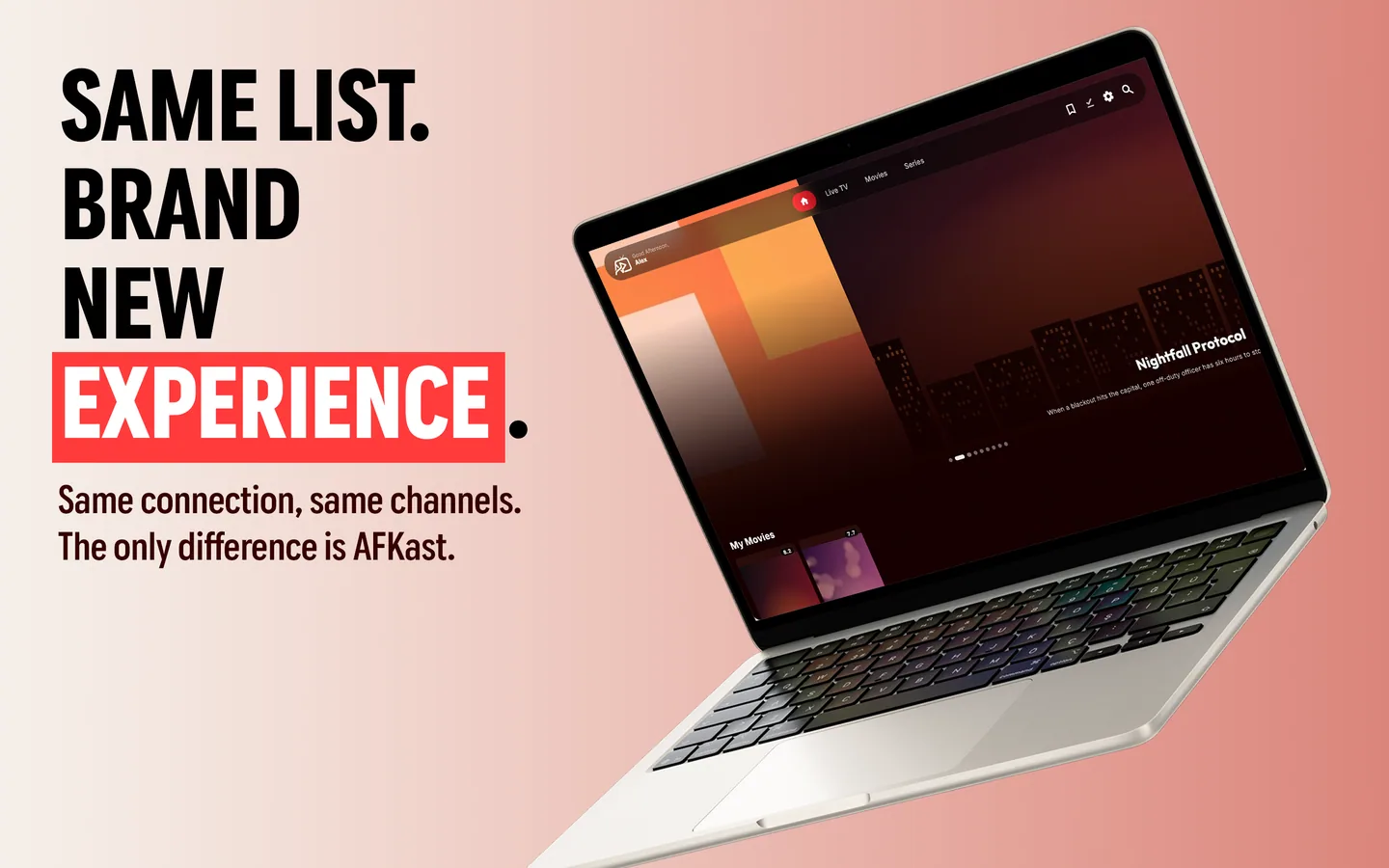
Most people start watching IPTV on their computer by pasting an M3U link into a general-purpose media player. The channels load, but you end up scrolling through a flat list of hundreds of entries: there is no program guide, movies and series are mixed in with live channels, and keeping track of where you left off is up to you. AFKast is an IPTV player built to fix exactly that, and it runs as a native desktop app on Windows 11 and Windows 10.
AFKast is a player only; it does not provide channels, streams or playlists. You add the M3U/M3U8 URL, M3U file or Xtream Codes login from your own legal IPTV provider, and AFKast plays it in an organized interface. For a full walkthrough from installation to your first stream on both Windows and Mac, see our guide on how to watch IPTV on a PC.
Installation: Microsoft Store or .exe?
There are two ways to install AFKast on Windows. Whichever you choose, the app and your account are the same:
- Microsoft Store: Search for AFKast in the Store and install it with one click. Updates arrive through the Store, and Pro is purchased in-app through the Microsoft Store.
- Standalone .exe installer: Handy if you don't use the Store or your work PC blocks it. Grab the installer from the AFKast download page and run it.
Once installed, sign in with your AFKast account and cloud sync brings your favorites, watch history and settings over from your phone or TV.
Adding your M3U or Xtream Codes playlist
The first time you open AFKast, you'll see the add-playlist screen. You have three options:
- M3U/M3U8 URL: Copy the link your provider sent you and paste it in. With a real keyboard and clipboard, even long URLs take seconds.
- M3U file: Select an .m3u file you've saved on your PC.
- Xtream Codes: Enter the server URL, username and password. With this method, live TV, movies and series usually arrive as separate sections.
Once the playlist loads, channels are sorted by group, and if an EPG (XMLTV) source is defined in your playlist, the program guide fills in automatically.
Designed for the desktop
Fast navigation with keyboard and mouse
Instead of clicking through channels one by one with a remote, you simply click the channel you want or type a few letters into search to find it among hundreds. During playback, keyboard shortcuts cover the basics such as full screen, volume and switching channels, so you can move around without reaching for the mouse.
EPG on wide and multiple monitors
On a phone, the program guide has to squeeze into a narrow screen. On a PC, it uses the full width of your monitor, so you see more channels and a longer time range at once. If you have more than one display, drag the AFKast window to your second monitor and watch full screen there while you keep working on the main one.
Desktop mini player (Pro)
With Pro, you can pop a stream into a small window that stays in the corner of your screen. Follow the game or a news channel while you reply to email or edit a document, without constantly switching between apps.
The mpv engine and hardware acceleration
AFKast's playback engine is mpv. Whenever possible, video decoding is handed to your graphics hardware, so H.264, H.265/HEVC and AV1 streams play without putting unnecessary load on the CPU. On compatible hardware and displays, 4K, HDR10, HLG and Dolby Vision content is supported too. On laptops, hardware acceleration also helps keep fan noise and battery drain in check.
To get the most out of high-resolution streams, read our 4K HDR IPTV playback guide. If the picture keeps freezing, the cause is usually the connection or the server; our IPTV buffering fix article lists the steps worth checking.
AFKast vs VLC: what's the difference?
VLC is a free, versatile media player that opens almost any file format, and it can play M3U playlists too. Because it's general-purpose, though, IPTV-specific interfaces such as a program guide, a movie and series library or profiles are limited. AFKast is built only for IPTV, so it focuses on those needs. They are less rivals than tools for different jobs:
| Topic | VLC | AFKast |
|---|---|---|
| Main purpose | General-purpose media player | Dedicated IPTV player |
| M3U / M3U8 | Plays it as a flat list | Channel list sorted by group |
| Xtream Codes login | No dedicated login screen | Server, username and password |
| EPG program guide | Limited | XMLTV-based guide |
| Movie and series library | No | Posters, plots, ratings and cast |
| Sync across devices | No | Favorites, history and settings |
Keeping VLC for local video files and using AFKast for IPTV is a perfectly sensible setup. For a broader comparison, see our article on the best TiviMate, IPTV Smarters and VLC alternative.
Free or Pro?
You can use AFKast on Windows for free. The free plan shows ads and includes 1 playlist, sync on 2 devices, EPG, multiple profiles, Chromecast and content enrichment. Pro removes ads and adds unlimited playlists, sync on up to 6 devices, offline downloads, custom groups and hidden categories, PIN parental controls and the desktop mini player. Pricing: $11.99/year or $29.99 one-time for lifetime access. Pro bought with one account works on all your devices.
If there's also a Mac in your home, the same account works with our IPTV player for Mac, so you can pick up right where you left off.