If you have spent any time setting up IPTV, you have almost certainly come across three names: TiviMate, IPTV Smarters and VLC. They are well established and each has a loyal following. Even so, searches like "TiviMate alternative", "IPTV Smarters alternative" and "VLC alternative for IPTV" keep growing. In most cases that is not because these apps stopped working. It is because the way people watch has changed: a typical household now streams on a TV, a phone, a tablet and a laptop, and expects them all to behave like one system.
This guide stays neutral about other apps. Instead, it looks at the reasons people go looking for a new IPTV player, explains how AFKast handles each of them, and finishes with a step-by-step migration guide so you can bring your existing M3U or Xtream Codes details across without starting from scratch.
A quick, fair look at the usual suspects
To keep things fair, here is only what is broadly known about each app:
- TiviMate is generally known as an Android TV–focused IPTV player. Most users associate it with its TV-style interface and a channel guide designed for the big screen.
- IPTV Smarters is a widely used player available on many platforms, and it shows up in the setup instructions of a lot of IPTV providers.
- VLC is a free, general-purpose media player that opens almost any format. It can play an M3U link, but its IPTV-specific experience, such as an EPG grid and a movie and series library, is limited, simply because it was never built for that.
So the real question is not which app is "good" or "bad". It is which one fits the way you actually watch.
Why people look for an alternative
Across reviews, Reddit threads and support forums, the same five wishes come up again and again.
1. One app on every device
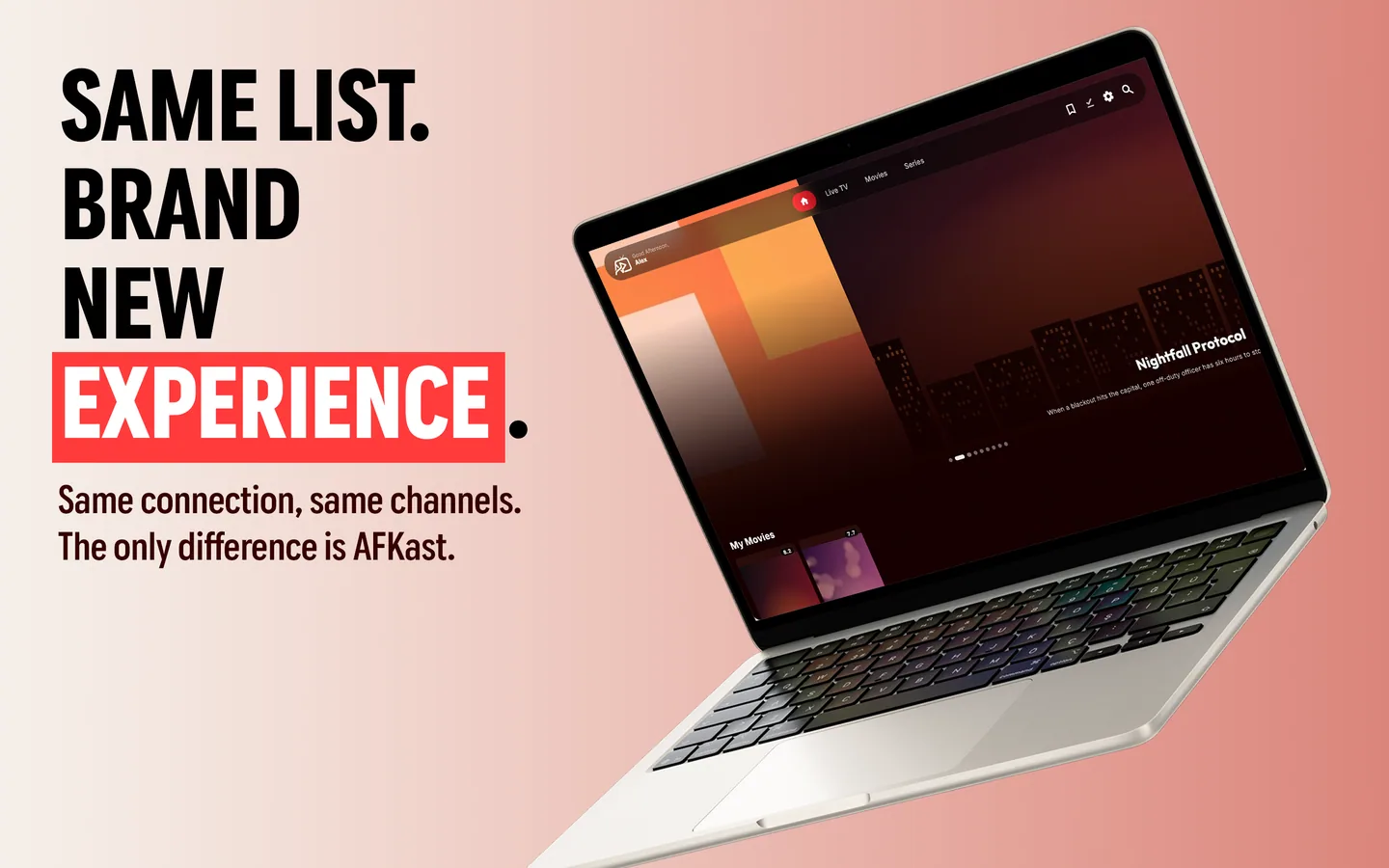
Running one app on the living-room TV, another on your phone and VLC on your laptop gets old fast. Different menus, different settings, different favourites. Most people simply want the same interface everywhere.
2. Sync between devices
Pausing a film on your phone and resuming it on the TV, or marking a favourite channel once instead of four times, is no longer a nice extra. It is what people expect from any modern streaming app.
3. Getting a playlist onto the TV
Typing a long M3U URL or Xtream server address with a TV remote is one of the most frustrating parts of IPTV. One wrong character and nothing loads.
4. A modern interface and a proper library
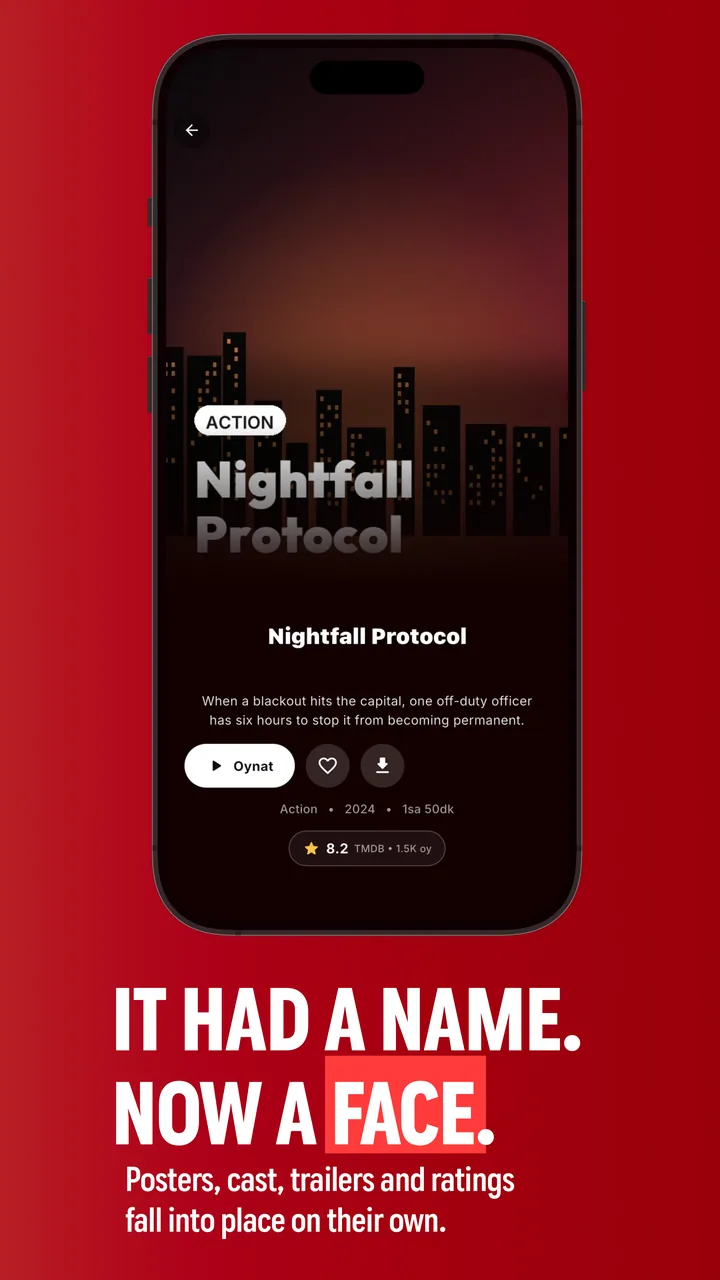
Viewers increasingly want more than a channel list: posters, plot summaries, ratings and cast details for movies and series, plus a tidy programme guide.
5. Smooth 4K and HDR playback
New TVs support 4K and HDR, and many providers stream in efficient codecs such as H.265/HEVC. A player needs hardware acceleration to handle that without stutter.
Need → why it matters → how AFKast handles it
The table below focuses only on what AFKast does for each need:
| Need | Why it matters | How AFKast handles it |
|---|---|---|
| Platform coverage | The same experience on every screen at home | Available on Android phones and tablets, Android TV & Google TV, iPhone & iPad, Mac and Windows; Apple TV, Samsung and LG TV apps are coming very soon |
| Cross-device sync | Resume where you left off, favourites everywhere | Cloud sync for watch history, favourites and settings (2 devices on Free, up to 6 on Pro) |
| Adding a playlist to a TV | No more typing long URLs with a remote | "Send Playlist to Device": enter the short code shown on your TV on our website and send the playlist from your phone |
| Programme guide | See what is on at a glance | EPG (XMLTV) support with a per-channel schedule |
| Movie and series library | Find what you want quickly | Content enrichment with posters, synopsis, ratings and cast |
| 4K / HDR playback | Get the most out of a modern TV | mpv-based engine with hardware acceleration; H.264, HEVC, AV1, HDR10, HLG and Dolby Vision on compatible devices |
| Resilience | Keep watching when one source drops | Auto Failover switches to a backup source when your playlist includes one |
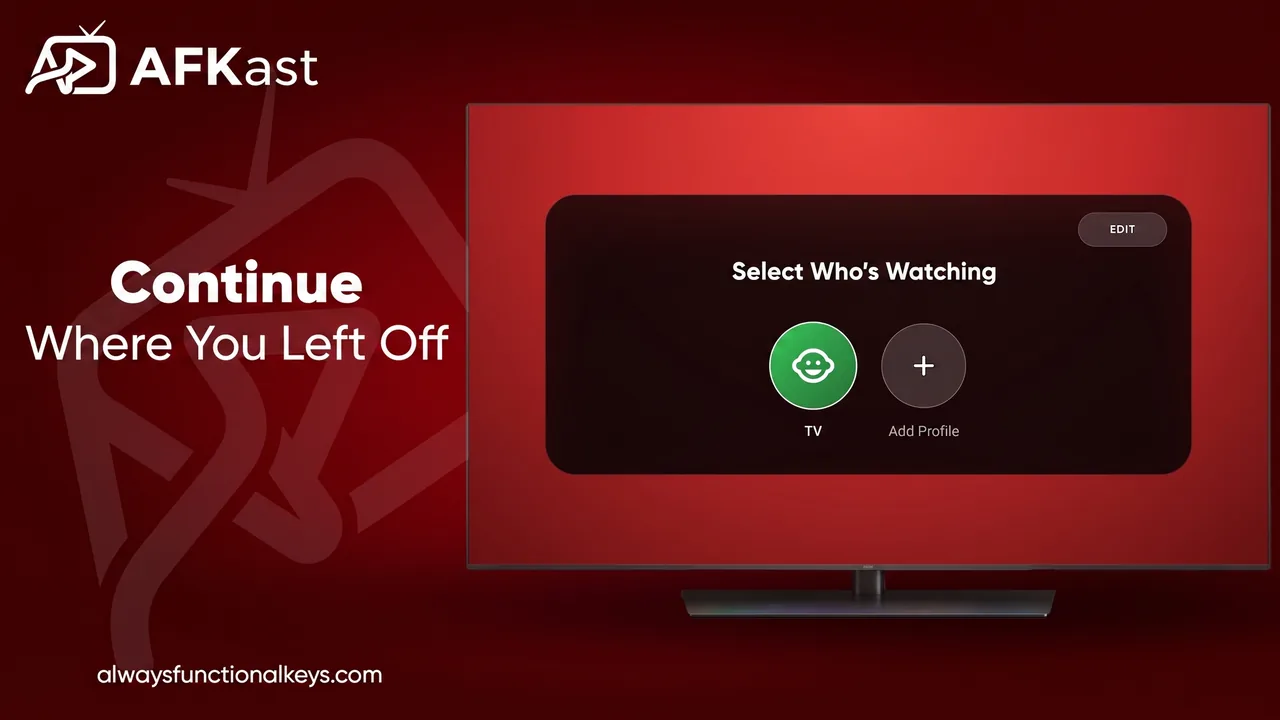
| Family use | Everyone gets their own lists and history | Multiple profiles; parental controls with PIN on Pro |
Migration guide: move your playlist to AFKast
Here is the good news: your playlist belongs to your provider, not to the app. The details you use in TiviMate, IPTV Smarters or VLC work in AFKast exactly as they are. Start by working out what you have.
Step 1: Find your details
- M3U / M3U8 link: usually a long address such as "http://…/get.php?username=…". You will find it in your provider's welcome email or customer area.
- Xtream Codes: a server URL, username and password. If you log in to IPTV Smarters with these three fields, this is what you have.
- M3U file: a saved .m3u file on your computer works too.
Step 2: Install AFKast
Download the app from the official store for your device. For a Google TV or Android TV set, start with the IPTV player for Android TV; on Apple phones, see the IPTV app for iPhone.
Step 3: Add your playlist
- Open AFKast and go to the add-playlist screen.
- Choose the type: M3U link, M3U file or Xtream Codes.
- Paste or type your details and give the playlist a memorable name.
- If your provider gives you a separate EPG URL, add it; Xtream playlists usually pull the guide in automatically.
- Save. Live channels, movies and series load into their own categories.
Step 4: Send it to your TV without the remote
If you would rather not type on the TV at all, use Send Playlist to Device. Note the short device code shown in AFKast on your TV, open the page on our website from your phone or computer, enter the code and your playlist details, and hit send. The playlist appears on the TV within seconds.
Free plan or Pro?
The free plan is ad-supported and includes 1 playlist, sync across 2 devices, EPG, multiple profiles, Chromecast and content enrichment. Pro removes ads and adds unlimited playlists, sync across up to 6 devices, offline downloads, custom groups, parental controls and Picture-in-Picture. You buy it inside the app, and one account unlocks Pro on all your devices. Not sure which you need? Our free vs premium IPTV player guide walks through it.
What to expect on each device
On a TV, AFKast runs on Android TV and Google TV sets, streaming boxes, Chromecast with Google TV and Nvidia Shield. Native Samsung and LG apps are coming very soon; until then you can cast from your phone with Chromecast or plug a Google TV device into the TV.
On a computer, anyone used to watching IPTV in VLC will notice the difference a real guide and library make. The IPTV player for Windows installs from the Microsoft Store or a direct installer, and the IPTV player for Mac comes from the Mac App Store. Our guide to watching IPTV on PC and Mac covers setup in detail.
On phones and tablets, the same playlist, favourites and history follow you. With Pro you can download a whole season in one tap and watch offline.
The bottom line
TiviMate, IPTV Smarters and VLC all serve their audiences well. But if you care about one consistent app across devices, synced favourites, remote-free playlist setup and smooth 4K/HDR playback, AFKast is well worth a try. For a broader overview, see our best IPTV players of 2026, or read our pick of the best IPTV app for the USA and UK.
❓ Frequently Asked Questions
Is AFKast a good TiviMate alternative?
If you use more than one device, yes. AFKast runs on Android TV as well as Android phones, iPhone, iPad, Mac and Windows, and syncs favourites, history and settings through the cloud.
Can I use my IPTV Smarters login in AFKast?
Yes. The server URL, username and password come from your provider, so you can enter the same details in AFKast using the Xtream Codes option.
Why use AFKast instead of VLC for IPTV?
VLC is a general-purpose media player. AFKast is built for IPTV, with an EPG programme guide, a movie and series library with posters, profiles and cross-device sync.
How do I add a playlist to my TV without typing it?
Use Send Playlist to Device. Enter the short code shown in AFKast on your TV on our website, then send your playlist details from your phone or computer.
Is AFKast free?
Yes, there is an ad-supported free plan with 1 playlist and sync across 2 devices. Pro removes ads and adds unlimited playlists and sync across up to 6 devices.
Does AFKast include channels?
No. AFKast is only a player and provides no content. You add the M3U or Xtream details from your own legal IPTV provider.