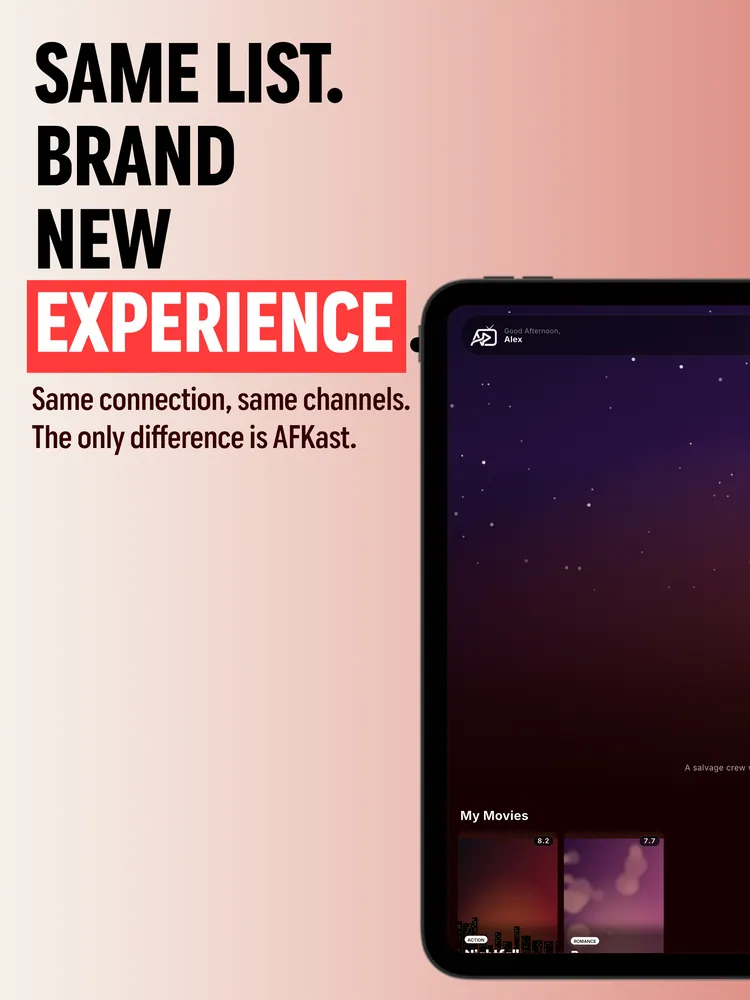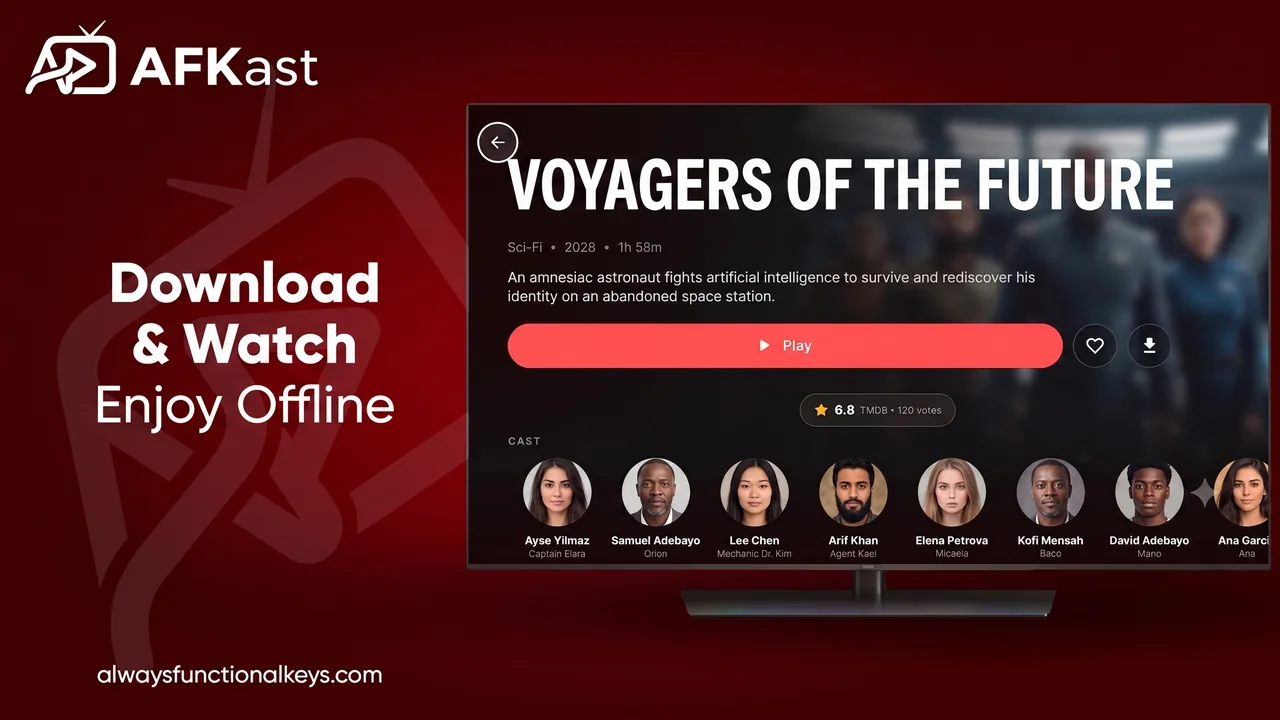
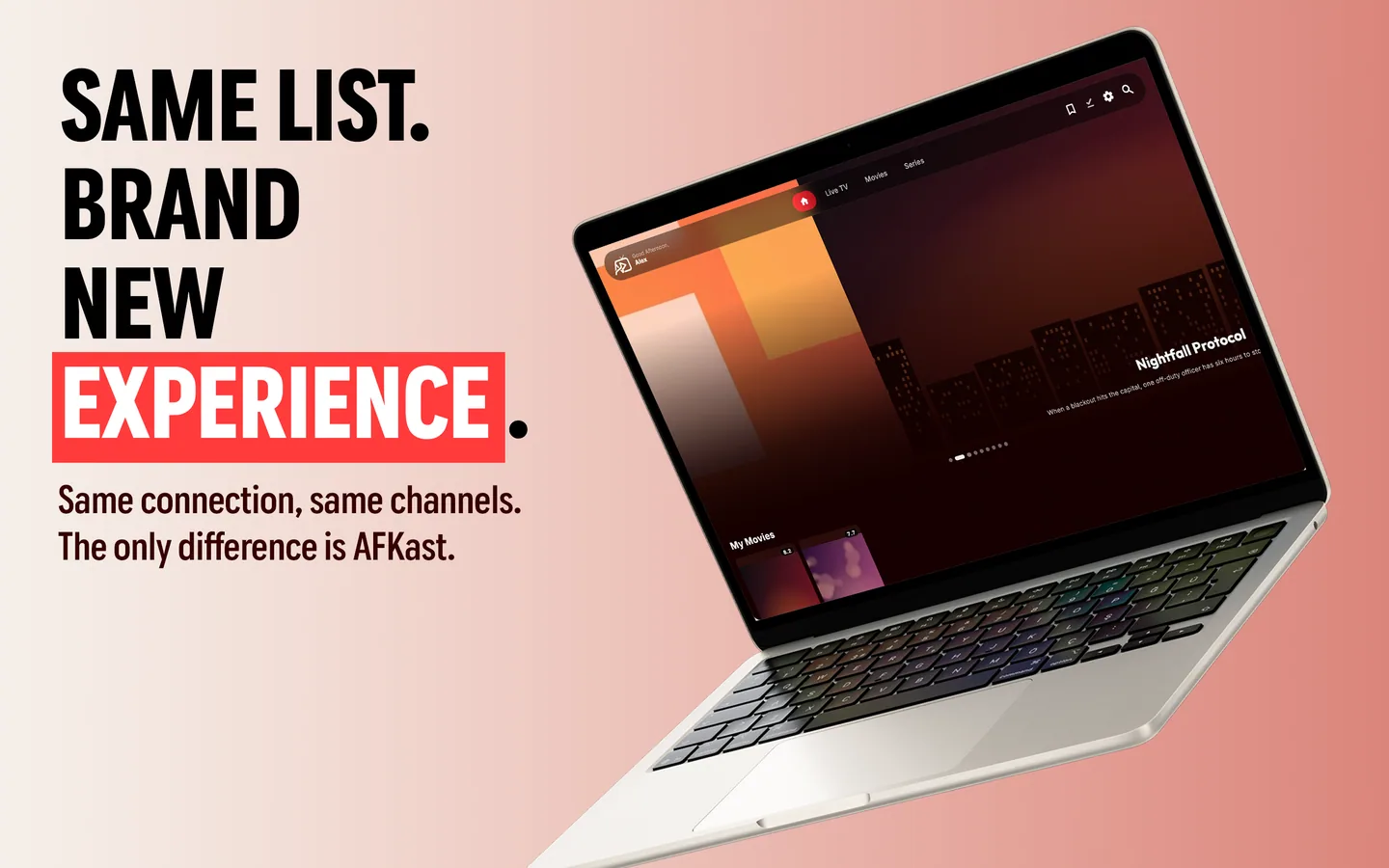
Apple TV is a fantastic device for home cinemas, but it needs the right IPTV player to unlock its full potential. AFKast integrates beautifully with tvOS to provide a premium viewing experience.
Setup Steps for Apple TV
Download AFKast from the Apple TV App Store. Instead of typing long URLs with the remote, use our "Send Playlist to Device" feature. Simply enter the code shown on your TV into our website via your phone, and your M3U or Xtream Codes will load instantly.
4K Playback and EPG
With hardware acceleration, AFKast delivers smooth 4K HDR playback on Apple TV. The Electronic Program Guide (EPG) perfectly fits the clean Apple interface. Download AFKast today.
🛡️
AFKast is a media player and does not supply channels. Use your own legal IPTV playlists.