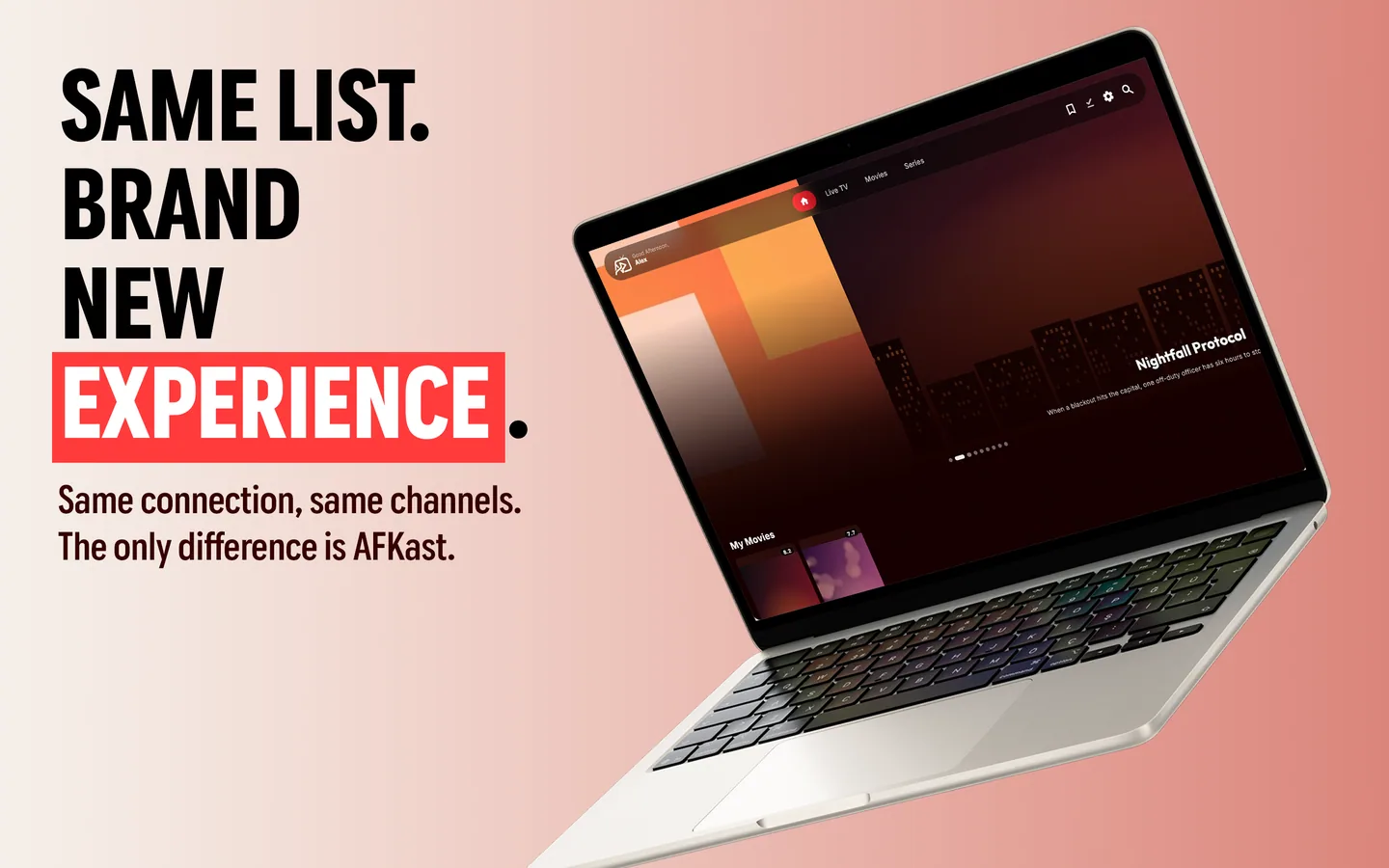
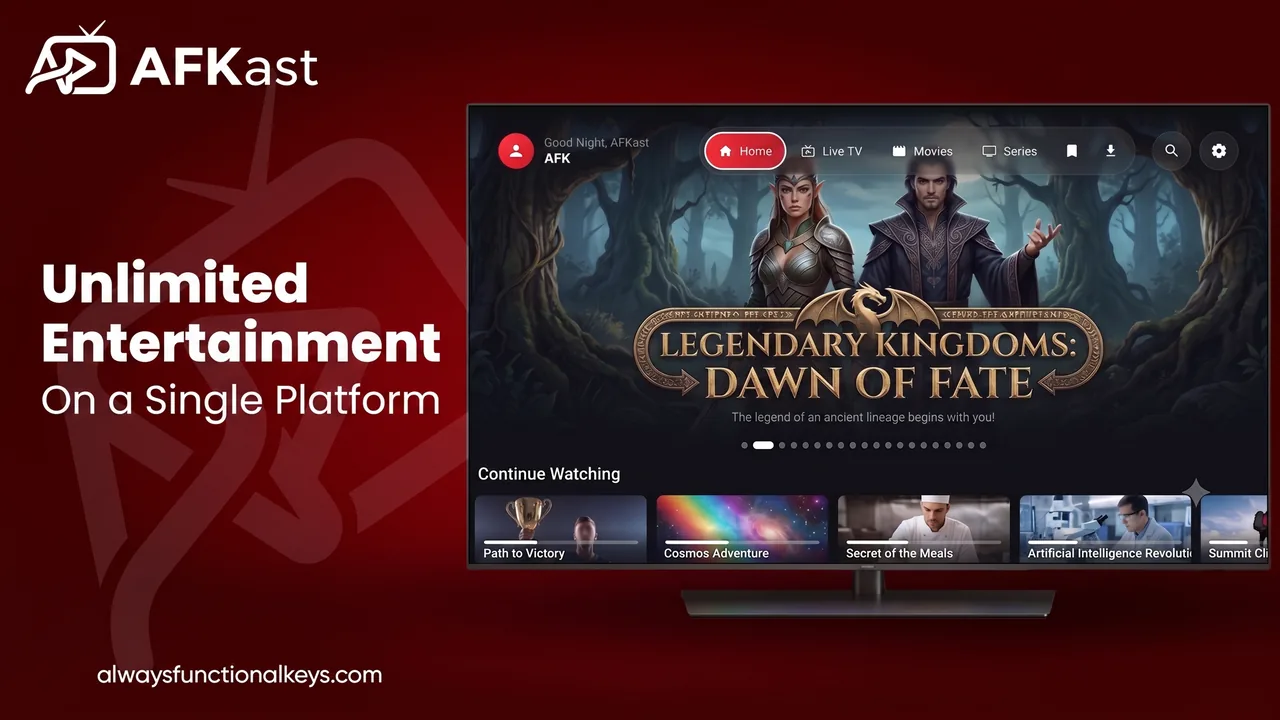
The best IPTV app in the US and UK is the one that plays your own legal playlist reliably on the devices you already own, shows a proper TV guide, and doesn't lock you into a monthly fee for the player itself. In 2026, AFKast is a strong all-round choice: it supports M3U / M3U8 and Xtream Codes, uses the mpv engine for 4K and HDR playback on compatible hardware, includes EPG on the free plan, and runs on Android, Android TV / Google TV, iPhone, iPad, Windows and Mac with one account. Below we break down what actually matters when picking an IPTV player in the American and British markets, which device to use, and where AFKast fits honestly, including the platforms it doesn't support yet.
What matters when choosing an IPTV app in the US & UK
Search for "best IPTV app" and you'll find endless lists. Most of them skip the basics that decide whether you'll still be happy with an app three months from now. Here's what we'd look at.
Device coverage that matches your living room
In both countries the streaming stick is king. Amazon Fire TV Stick is extremely common, Google TV devices and TVs from Sony, TCL and Hisense are everywhere, and Roku has a large share of US households. Before anything else, check whether the player runs on the screen you actually watch.
A real EPG, not just a channel list
Live TV without a programme guide feels like flipping through a phone book. A good IPTV player reads the XMLTV guide your provider gives you and maps it to channels, so you see what's on now and next. Our EPG and XMLTV guide explains how that works.
Playback quality on big screens
Sports in 4K and HDR films are a big reason people choose IPTV over cable. The player needs hardware decoding for H.265/HEVC and, increasingly, AV1. AFKast's mpv engine handles H.264, HEVC and AV1, and can output HDR10, HLG and Dolby Vision on compatible devices.
Clear pricing in USD
Some players charge per device or monthly. A one-time or yearly price that covers every device under one account is easier to budget for. AFKast Pro costs $11.99/year or $29.99 lifetime, bought in-app through Google Play, the App Store or the Microsoft Store.
Legal use
A player and a provider are two different things. A legitimate IPTV player ships with no channels; it plays the M3U link or Xtream Codes login from a service you subscribe to legally. Apps that come "pre-loaded" with content are a legal and security risk you don't need.
Best IPTV player by device
For an overview of everything AFKast does, see our IPTV player page. Here are device-specific recommendations for US and UK homes.
Amazon Fire TV Stick
Fire OS is built on Android, so AFKast's Android APK can be sideloaded using the Downloader app and the download link on our website. Compatibility can vary by Fire TV model, so test it on yours. AFKast is not listed in the Amazon Appstore, so sideloading is the route for now.
Google TV, Android TV and Nvidia Shield
This is the smoothest big-screen experience today. Chromecast with Google TV, Nvidia Shield and Google TV sets from Sony, TCL, Hisense and Philips can install AFKast straight from Google Play. Full walkthrough on our IPTV player for Android TV page.
Roku
Straight answer: AFKast is not available on Roku, and we have no Roku app announced. If Roku is your main device, the practical workaround is to plug a Google TV device into a spare HDMI port, or watch on your phone, tablet or computer.
Samsung and LG smart TVs
Native apps for Samsung (Tizen) and LG (webOS) are coming soon, but not available today. For now you can cast from AFKast on your phone via Chromecast (if your TV supports it or has a Chromecast attached) or add an Android TV / Google TV box. Details on our IPTV player for smart TV page.
iPhone and iPad
The IPTV app for iPhone is on the App Store for iOS and iPadOS, with Picture-in-Picture on Pro so you can keep the match running while you reply to messages. Apple TV support is coming soon.
Android phones and tablets
Get the IPTV player for Android from Google Play. It also lets you cast to the TV with Chromecast.
Windows PC and Mac
The IPTV player for Windows installs from the Microsoft Store or a direct .exe. On Apple computers, get the IPTV player for Mac from the Mac App Store (Apple Silicon and Intel, macOS 14.6+).
Comparison table: what US & UK viewers need
| Criterion | Why it matters | AFKast status |
|---|---|---|
| Fire TV Stick | One of the most common streaming devices in both markets | Android APK via Downloader; varies by model |
| Google TV / Android TV | Native big-screen app with remote navigation | Available on Google Play |
| Roku | Large US install base | Not available |
| Samsung / LG native app | Watch without extra hardware | Coming soon; cast or add a Google TV box today |
| Apple TV | Popular with iPhone households | Coming soon |
| M3U and Xtream Codes | The two formats most providers use | Both supported |
| EPG (XMLTV) | Now/next info and a full TV guide | Included, even on free plan |
| 4K / HDR playback | Sports and films on modern TVs | mpv engine; HDR10, HLG, Dolby Vision on compatible devices |
| Price | Predictable cost for the player | Free plan; Pro $11.99/yr or $29.99 lifetime |
Free vs Pro
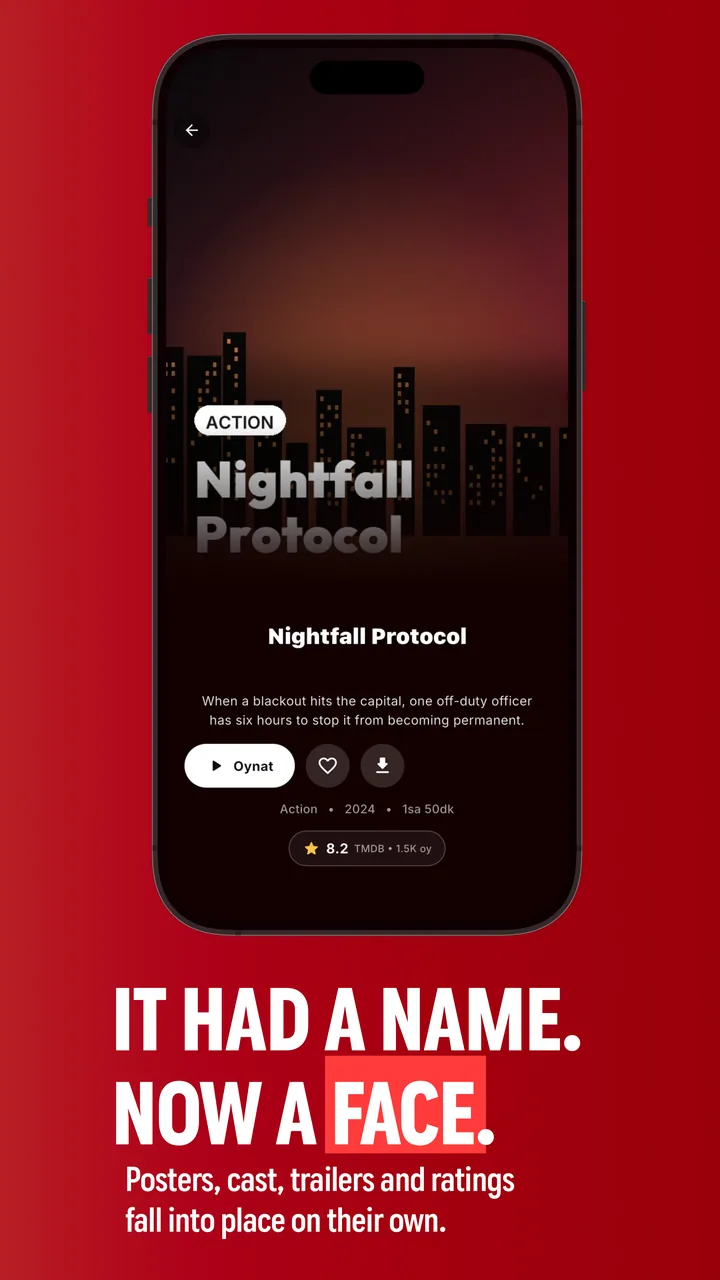
The free plan is ad-supported and includes 1 playlist, sync across 2 devices, EPG, multiple profiles, Chromecast and content enrichment (posters, plots, ratings and cast). If you have one provider and watch on one or two screens, it may be all you need.
Pro removes ads and adds offline downloads (a whole season in one tap), unlimited playlists, sync across up to 6 devices, custom groups and hidden categories, PIN-protected parental controls, and Picture-in-Picture / a mini desktop window. One purchase unlocks Pro on every device signed in to your account. See AFKast pricing, or read our free vs premium IPTV player breakdown.
Getting started in five steps
- Install the app for your device from the AFKast download page or your app store.
- Create one account so favourites, watch history and settings sync everywhere.
- Get your playlist details from your legal IPTV provider: an M3U link or Xtream Codes (server, username, password). Not sure which? Read Xtream Codes vs M3U.
- Check the playlist with our free M3U checker so you know it works before you troubleshoot the app.
- Add it and the EPG, then set favourites and profiles for the household.
If streams stutter during big games, our IPTV buffering fix guide covers wired connections, 5 GHz Wi-Fi and how Auto Failover switches to a backup source when your playlist provides one.
❓ Frequently Asked Questions
What is the best IPTV app in the US and UK?
The best IPTV app is one that runs on your devices, supports M3U and Xtream Codes, includes an EPG and has fair pricing. AFKast meets those criteria on Android, Google TV, iPhone, iPad, Windows and Mac.
Does AFKast work on Firestick?
Fire OS is Android-based, so you can sideload the AFKast Android APK with the Downloader app. Compatibility can vary by Fire TV model.
Is AFKast available on Roku?
No, AFKast is not available on Roku. Roku users can add a Google TV device to their TV or watch on a phone, tablet or computer.
How much does AFKast Pro cost?
AFKast Pro costs $11.99 per year or $29.99 for a lifetime licence. One purchase unlocks Pro on all devices signed in to the same account.
Does AFKast include TV channels?
No. AFKast is only a player and comes with no channels or playlists. You add the M3U link or Xtream Codes login from your own legal IPTV subscription.
Can I watch IPTV on a Samsung or LG TV?
Native Samsung and LG apps are coming soon. Today you can cast from your phone with Chromecast or plug in an Android TV or Google TV device.