IPTV (Internet Protocol Television) is a way of delivering live TV channels and on-demand video over an internet connection instead of a satellite dish, antenna or cable line. A provider streams the content, gives you an M3U link or Xtream Codes login, and you load it into an IPTV player app on your phone, TV or computer.
That is the short answer. In this guide we unpack the rest: how the chain from provider to screen actually works, what M3U and EPG mean, how much bandwidth you need, where the legal line sits and how to get set up in a few minutes. No technical background required.
What does IPTV mean?
IPTV stands for Internet Protocol Television. Traditional broadcast TV pushes one signal to everyone at once over the air, via satellite or through a cable network. IPTV breaks video into small data packets and sends them to your device over your home broadband, the same way any other web traffic arrives. Because of that, the same service can run on a phone, a tablet, a streaming box, a smart TV or a laptop.
Many people already use IPTV without calling it that: some broadband TV bundles and broadcaster apps run on it. When people search "what is IPTV" today, though, they usually mean a subscription from a provider plus an IPTV app to watch it. Keep one distinction in mind throughout: the company that supplies the streams and the app that plays them are two different things.
IPTV vs satellite, cable and OTT streaming
IPTV is often confused with services like Netflix (OTT) or with satellite TV. Here is how they compare:
| Feature | IPTV | Satellite | Cable | OTT streaming services |
|---|---|---|---|---|
| Delivery | Internet (IP) | Satellite dish | Coax / fibre network | Internet |
| Hardware | Any compatible device + IPTV player | Dish, LNB, receiver | Operator set-top box | The service's own app |
| Live channels | Yes | Yes | Yes | Usually limited |
| On-demand (VOD) | Depends on provider | No / limited | Limited | Yes, the main focus |
| Choice of app | Your choice of player | Tied to receiver | Tied to operator | Only the official app |
| Weather sensitivity | None (depends on broadband) | Can drop in heavy rain | Low | None |
In short: an OTT service bundles the content and the app together. With IPTV, the content comes from your provider and the app is whichever player you prefer.
How does IPTV work? The four links in the chain
Every IPTV setup follows the same path: provider → playlist (M3U or Xtream) → player → device.
1. The provider
A legitimate IPTV provider holds distribution rights to the channels and titles it offers and streams them from its own servers. When you subscribe, it gives you access details. Picture quality, channel line-up and server reliability are mostly down to the provider.
2. The playlist: M3U link or Xtream Codes
Those access details come in one of two forms. Either an M3U / M3U8 URL (or file), or an Xtream Codes login made of a server URL, username and password. We break down the pros and cons in Xtream Codes vs M3U.
3. The IPTV player
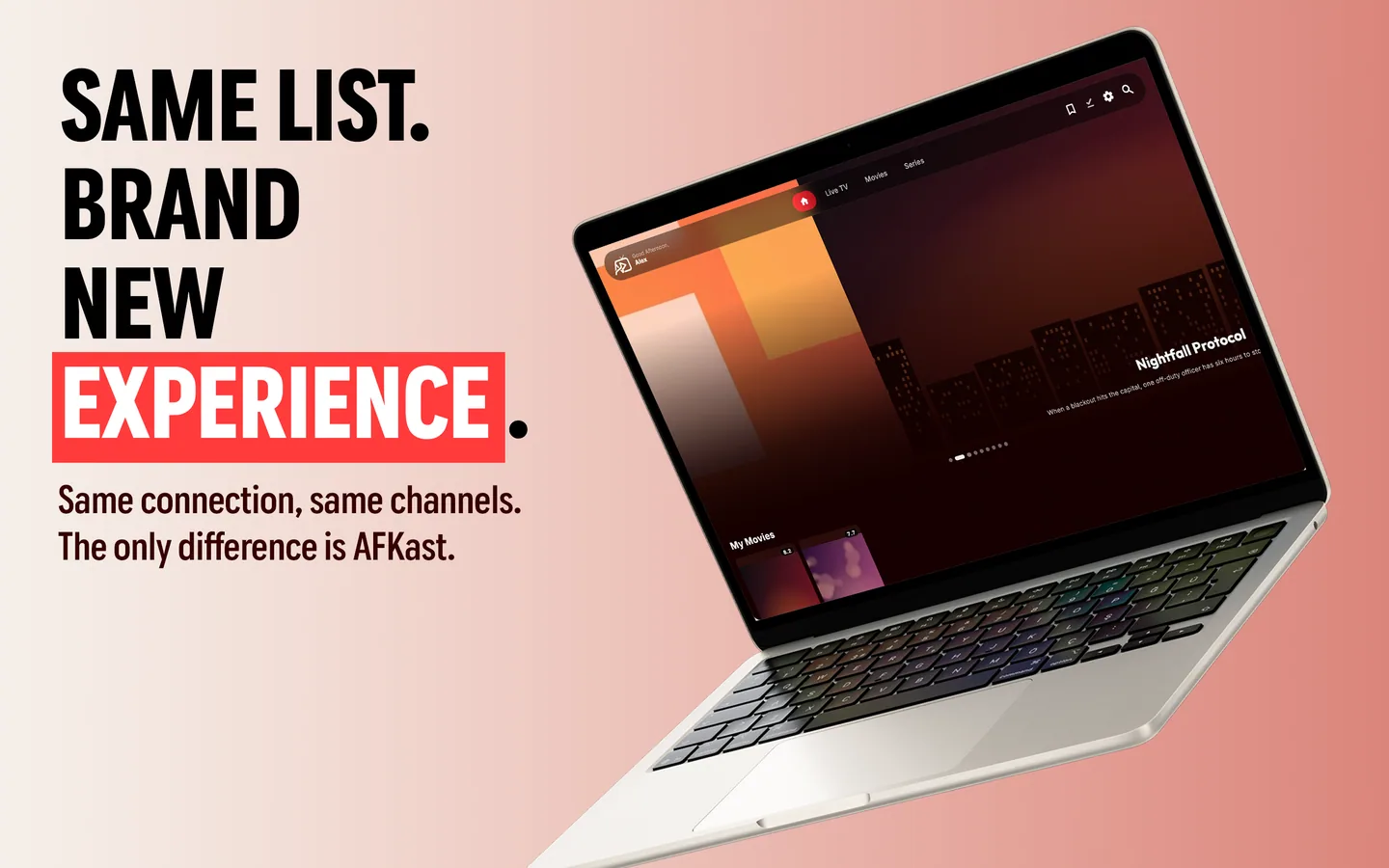
The player reads the playlist, sorts channels into groups, shows the TV guide and decodes the stream you pick. An IPTV player like AFKast sits here: it does not supply any content, it simply plays the playlist you add.
4. Your device and connection
The final link is your screen: phone, tablet, Android TV box, smart TV or computer. Video flows to it over your home internet, so the quality of that connection shapes the whole experience.
What is an M3U playlist?
An M3U file is a plain-text playlist. For each channel it lists a name, a logo, a group and the stream address. M3U8 is the same format saved in UTF-8, which handles accented and non-Latin channel names more reliably. Think of it as an address book for streams: it does not contain the video, only the directions to it.
Before you load a playlist into any app, you can check whether it responds with our free M3U checker. For step-by-step instructions, see how to add an M3U IPTV playlist.
Live TV, VOD and catch-up explained
- Live TV: channels as they are broadcast right now, the IPTV equivalent of flicking through a normal TV line-up.
- VOD (video on demand): films and series you can start, pause and skip whenever you like.
- Catch-up: the ability to watch a programme for a limited time after it aired. Whether this exists depends entirely on your provider.
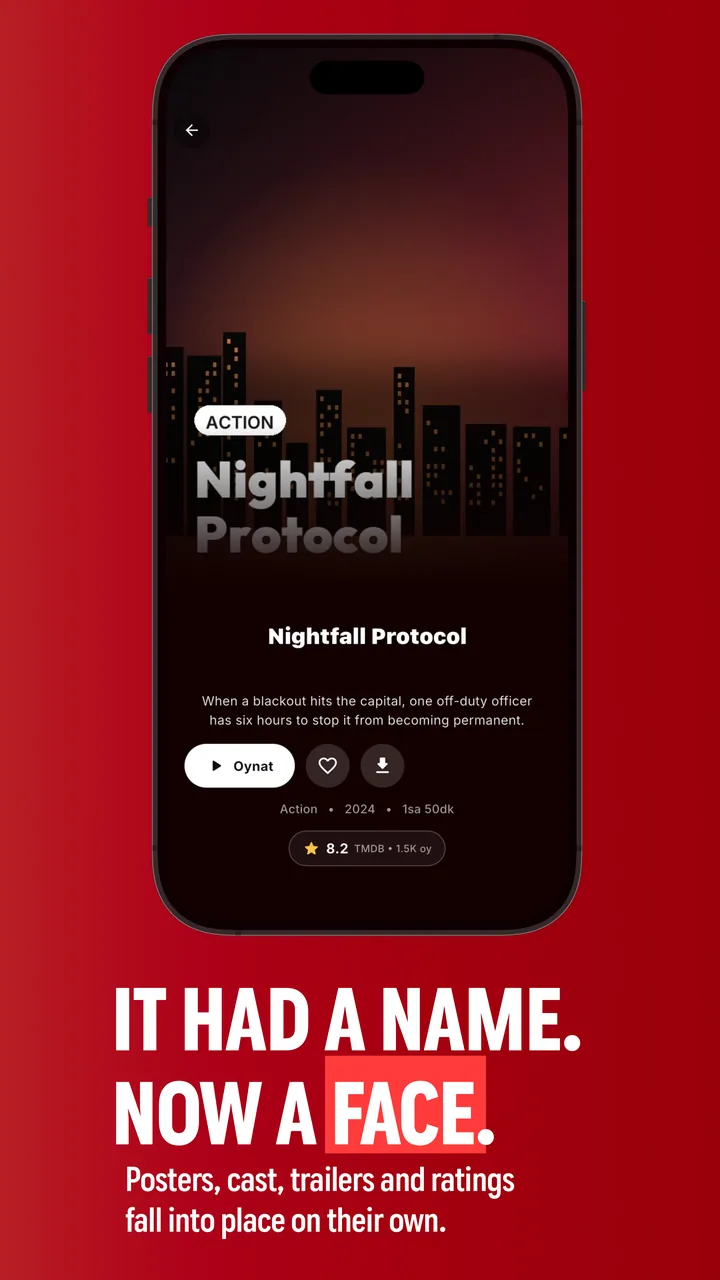
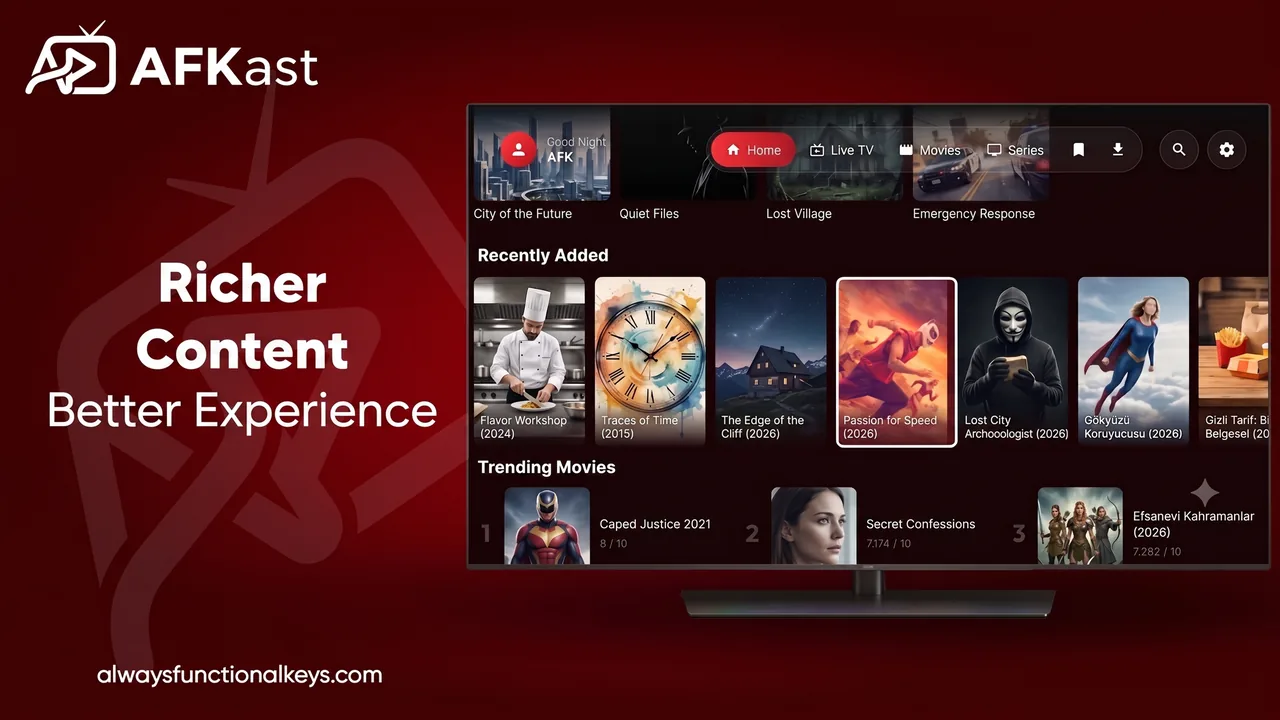
AFKast keeps live channels and the film and series library in separate sections, and enriches titles with posters, plot summaries, ratings and cast details.
What is EPG?
EPG stands for Electronic Programme Guide: the grid that tells you what is on each channel now and next. In IPTV it usually arrives as a separate XMLTV URL that the player matches to your channels. Our EPG and XMLTV guide covers setup and common mismatches.
What internet speed do you need for IPTV?
Exact numbers depend on the codec your provider uses (H.264, H.265/HEVC or AV1). As a general recommendation:
| Quality | General recommendation (one screen) |
|---|---|
| SD (480p) | around 3–5 Mbps |
| HD (720p / 1080p) | around 8–10 Mbps |
| 4K / UHD | around 25 Mbps or more |
If several people stream at once, add those figures together. Stability matters as much as raw speed: brief drops are what cause freezing.
Is IPTV legal?
IPTV is a technology, and the technology itself is perfectly legal. Broadband TV packages, broadcaster apps and licensed providers are all legitimate IPTV. The problem is pirate services that resell channels without the rights to do so. In the US, the UK and most other countries, distributing unlicensed streams is illegal, and knowingly watching them can also break the law; penalties vary by country.
A simple rule of thumb: if a service promises thousands of channels and every sports event for a price that looks too good to be true, with no clear company behind it, walk away. Stick to providers that are identifiable and hold the rights to what they sell.
What is an IPTV player and why do you need one?
An IPTV player is the app that opens your provider's playlist and turns it into something you can actually watch. A raw M3U file is just thousands of lines of text; a good player turns it into a browsable interface with groups, logos, a TV guide and search. Look for:
- M3U/M3U8 and Xtream Codes support
- EPG (XMLTV) programme guide
- A strong playback engine. AFKast is built on mpv, with hardware-accelerated H.265/HEVC, AV1, 4K and HDR on compatible devices
- Multiple profiles, favourites and sync across devices
- Auto Failover to a backup source when your playlist includes one
To compare options, read our roundup of the best IPTV players in 2026 and our best IPTV app for the USA and UK guide.
How to get started with IPTV, step by step
- Choose a legal provider and start a subscription. You will receive an M3U link or Xtream Codes login.
- Install a player for your device. AFKast is available now as an IPTV player for Android, IPTV app for Android TV, IPTV player for iPhone, IPTV player for Windows and IPTV player for Mac.
- Test your playlist with the M3U checker.
- Add the playlist. Paste the M3U URL or enter your Xtream details. On a TV, use "Send Playlist to Device": type the short code shown on the TV into our website and push the playlist from your phone, so you never have to type a long URL with a remote.
- Check the EPG and star your favourite channels.
- Start watching. Native Samsung and LG apps are coming very soon; for now, see the Chromecast and streaming-box options on our IPTV player for smart TV page.
❓ Frequently Asked Questions
What does IPTV stand for?
IPTV stands for Internet Protocol Television. It means TV is delivered over an internet connection rather than through satellite, antenna or cable.
What do I need to watch IPTV?
You need a legal IPTV subscription, a stable broadband connection, a compatible device and an IPTV player app. No dish or extra cable line is required.
What is an M3U file?
An M3U file is a text-based playlist that lists channel names, logos, groups and stream addresses. An IPTV player reads it to display and play the channels.
Is IPTV legal?
Yes, IPTV as a technology is legal, and subscriptions from licensed providers are fine. Pirate services that stream channels without the rights are illegal and should be avoided.
How many Mbps do I need for IPTV?
As a general recommendation, plan for about 10 Mbps for HD and about 25 Mbps or more for 4K per screen. Add more if several devices stream at once.
Does an IPTV player come with channels?
No. An IPTV player only plays the playlist you add; the channels and content come from the IPTV provider you subscribe to.