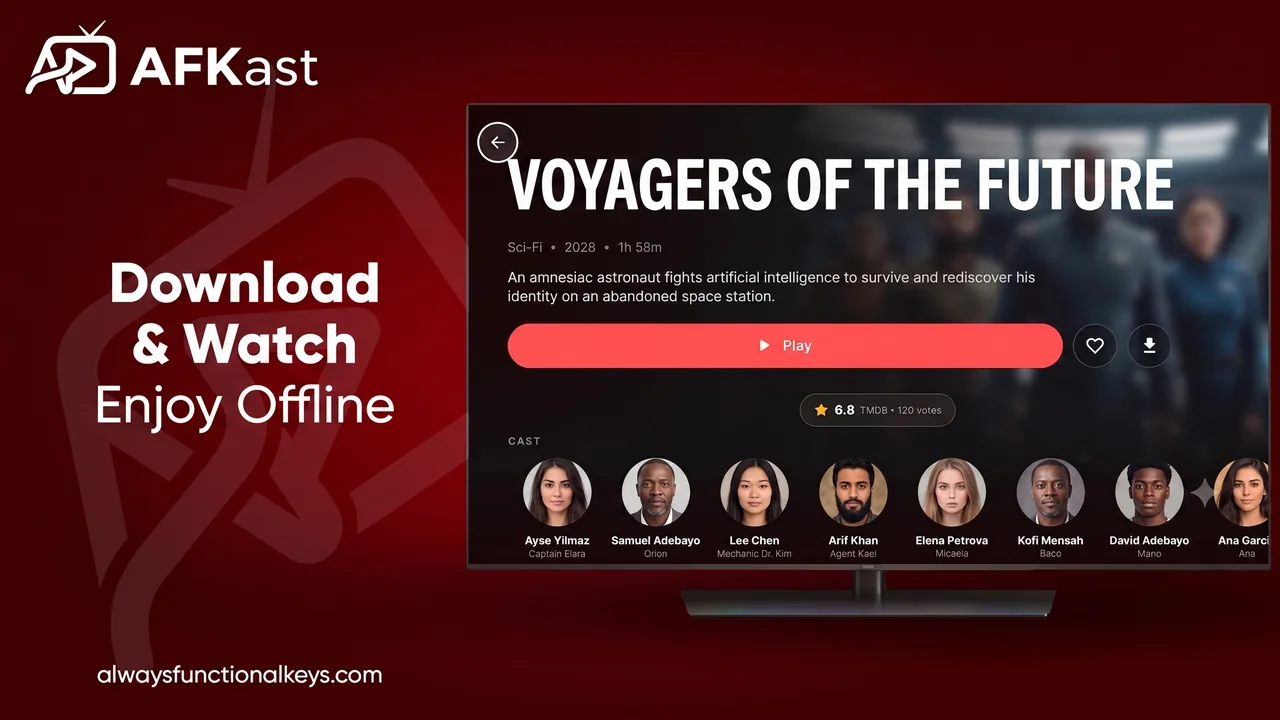

When you load a massive M3U or Xtream Codes playlist, getting lost among thousands of channels and movies is easy. A good IPTV player must transform this chaos into an organized media hub.
Categories and Favorites
Hiding channel groups you never watch immediately speeds up navigation. AFKast offers smart category management, cleanly separating Live TV, Movies, and Series (VOD). Add your most-watched channels to the "Favorites" list for instant remote control access.
Advanced Search and EPG
If you cannot decide what to watch, the EPG is your best friend. With AFKast's fast search and reliable EPG integration, finding a specific match or show takes seconds. Plus, cloud sync copies your customized layout to all your devices. Download AFKast to optimize your playlist.
🛡️
AFKast is an IPTV player and does not supply content. Use it to manage your legal playlists.